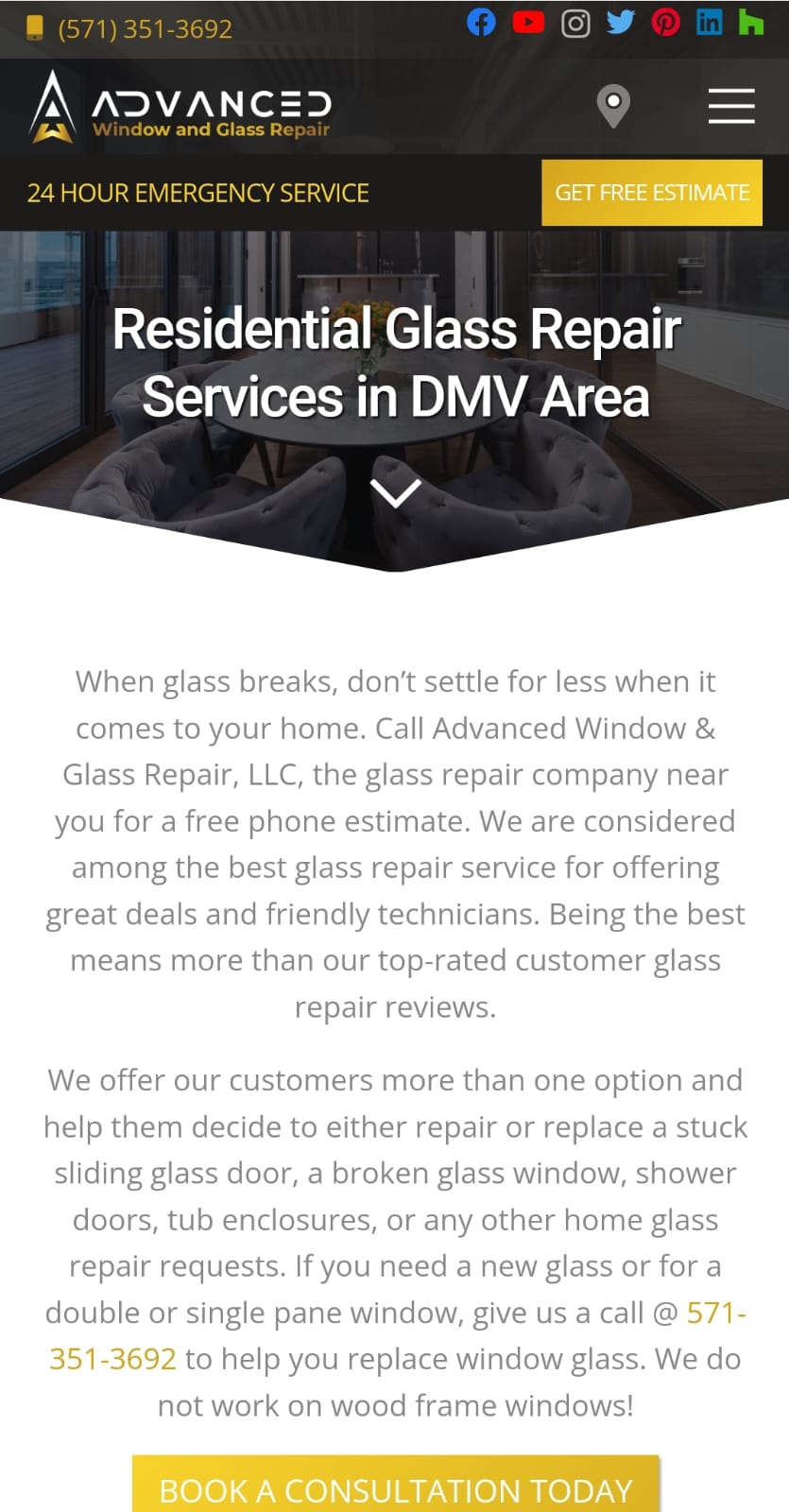
ADVANCED is a Business application developed by Alex Jamess, but with the best Android emulator-LDPlayer, you can download and play ADVANCED on your computer.
Running ADVANCED on your computer allows you to browse clearly on a large screen, and controlling the application with a mouse and keyboard is much faster than using touchscreen, all while never having to worry about device battery issues.
With multi-instance and synchronization features, you can even run multiple applications and accounts on your PC.
And file sharing makes sharing images, videos, and files incredibly easy.
Download ADVANCED and run it on your PC. Enjoy the large screen and high-definition quality on your PC!
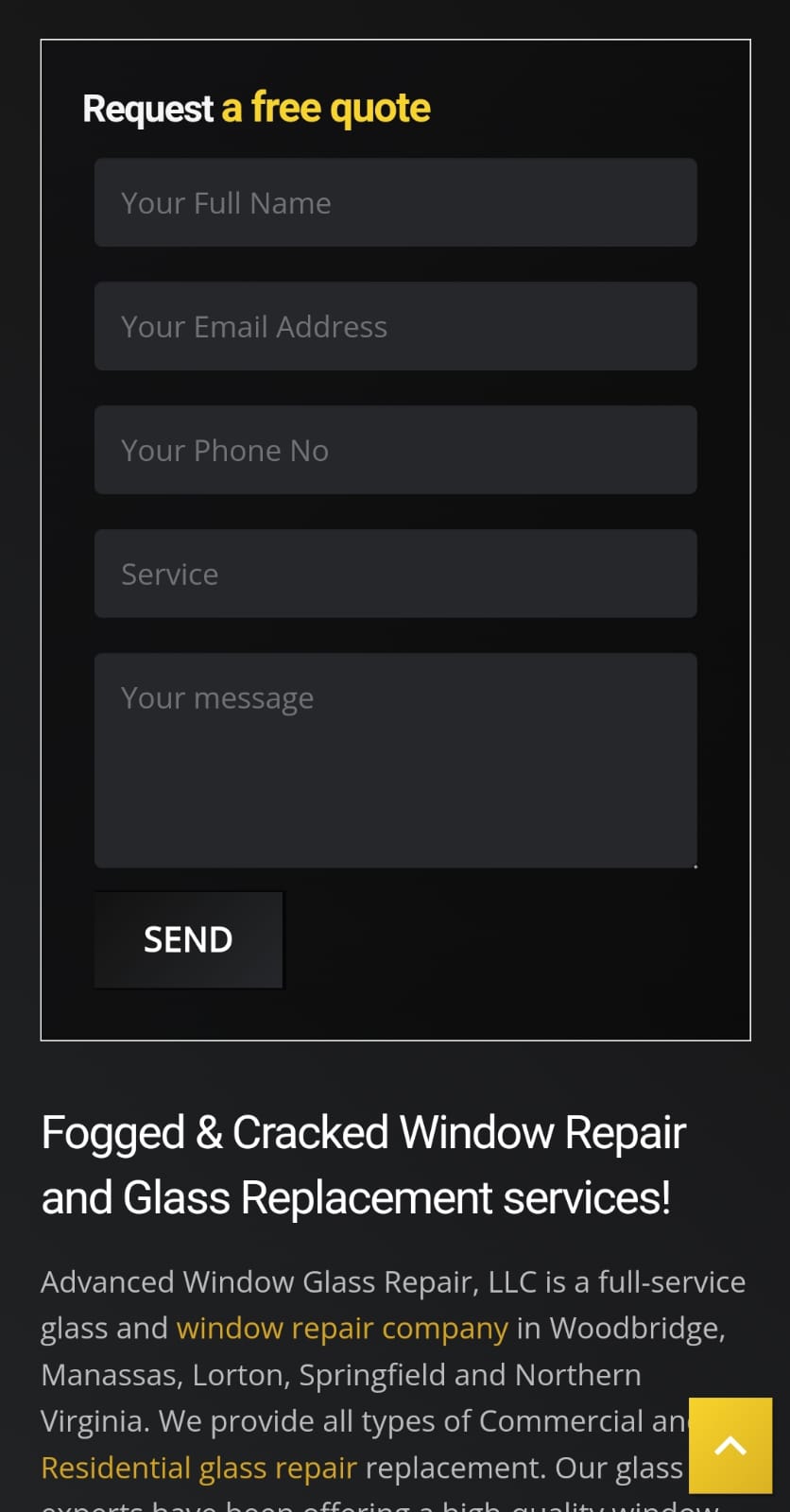
Advanced Window Glass Repair, LLC is a full-service glass and window repair company in Woodbridge, Manassas, Lorton, Springfield and Northern Virginia. We provide all types of Commercial and Residential glass repair replacement. Our glass experts have been offering a high-quality window repair and installation services in MD, VA & Washington, DC for over 20 years.To sum up, we repair, replace, and install all types of glass, so if you have a broken glass, or need a sliding glass door or foggy window glass repair, don’t settle for less when it comes to your home or business. We DO NOT offer windshield repair, auto glass repair or convenient windshield repair and full windshield replacement services. If you need a broken window glass repair, call Advanced Window Glass Repair, LLC and let us fix your replacement glass @ https://advancedwindowglassrepair.com/