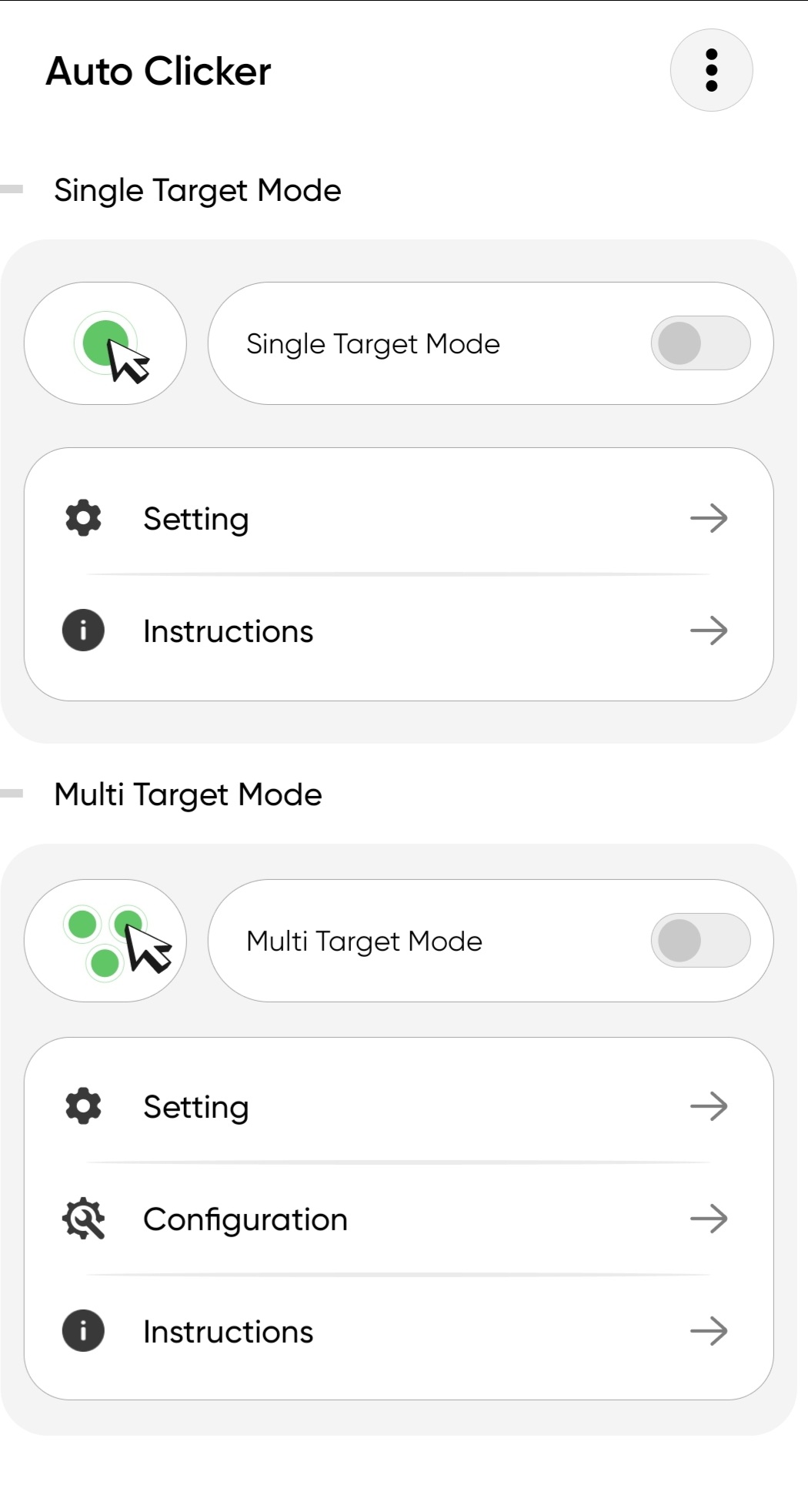
Auto Clicker - Tap & Swipe is a Tools application developed by AsmaDev, but with the best Android emulator-LDPlayer, you can download and play Auto Clicker - Tap & Swipe on your computer.
Running Auto Clicker - Tap & Swipe on your computer allows you to browse clearly on a large screen, and controlling the application with a mouse and keyboard is much faster than using touchscreen, all while never having to worry about device battery issues.
With multi-instance and synchronization features, you can even run multiple applications and accounts on your PC.
And file sharing makes sharing images, videos, and files incredibly easy.
Download Auto Clicker - Tap & Swipe and run it on your PC. Enjoy the large screen and high-definition quality on your PC!
Auto Clicker – Tap & Swipe automates repeated taps, swipes, and gestures on your Android screen — no root required. Set it up in seconds and let your phone handle repetitive actions for you.Whether you need an auto tapper for idle games, a screen clicker for app testing, or an automation tool for daily tasks, Auto Clicker delivers precision and speed.
⭐ FEATURES
✔ Auto Tap Anywhere — Set custom intervals from 1ms to hours. Place tap targets at any location on screen with pinpoint accuracy.
✔ Multi-Point Clicking — Add multiple click targets that run simultaneously or in sequence. Ideal for complex game automation.
✔ Auto Swipe & Gestures — Record and replay custom swipe paths, long presses, and multi-finger gestures.
✔ Gesture Recording — Record your exact screen actions and play them back. Create custom macros without coding. Save and reuse configurations.
✔ Floating Control Panel — Start, pause, and stop automation from an always-on-top panel. Adjust transparency so it never blocks your view.
✔ Script Import & Export — Save configurations, share them, or back them up to cloud storage.
✔ Scheduled Auto Start — Set a delayed timer to begin tapping automatically at a specific time.
✔ Anti-Detection Mode — Randomized intervals and coordinate variance make automation appear natural and human-like.
✔ No Root Required — Works on any Android 7.0+ device without rooting.
🎮 USE CASES
Idle & Clicker Games — Automate farming, resource collection, and grinding in idle games, RPGs, and tapping games.
Social Media — Auto-like, auto-scroll through feeds, and automate repetitive browsing actions.
App Testing — QA testers and developers can simulate rapid user interactions and stress-test apps.
Productivity — Automate form filling, data entry, page refreshing, and task acceptance.
Reading & Browsing — Auto-scroll through articles, e-books, and news feeds hands-free.
📋 HOW TO USE
Open Auto Clicker and enable Accessibility Service
Choose single tap, multi-point, or auto swipe mode
Set your tap interval, duration, and repeat count
Place click targets anywhere on screen
Press start on the floating panel — tapping begins
⚠️ ACCESSIBILITY SERVICE DISCLOSURE
Auto Clicker uses the Accessibility Service API solely to perform screen taps, swipes, and gestures as configured by you. This permission is not used to access passwords, personal data, or any sensitive information. No private data is collected, stored, or shared.