HD Video Downloader is a Video Players&Editors application developed by Video and music apps, but with the best Android emulator-LDPlayer, you can download and play HD Video Downloader on your computer.
Running HD Video Downloader on your computer allows you to browse clearly on a large screen, and controlling the application with a mouse and keyboard is much faster than using touchscreen, all while never having to worry about device battery issues.
With multi-instance and synchronization features, you can even run multiple applications and accounts on your PC.
And file sharing makes sharing images, videos, and files incredibly easy.
Download HD Video Downloader and run it on your PC. Enjoy the large screen and high-definition quality on your PC!
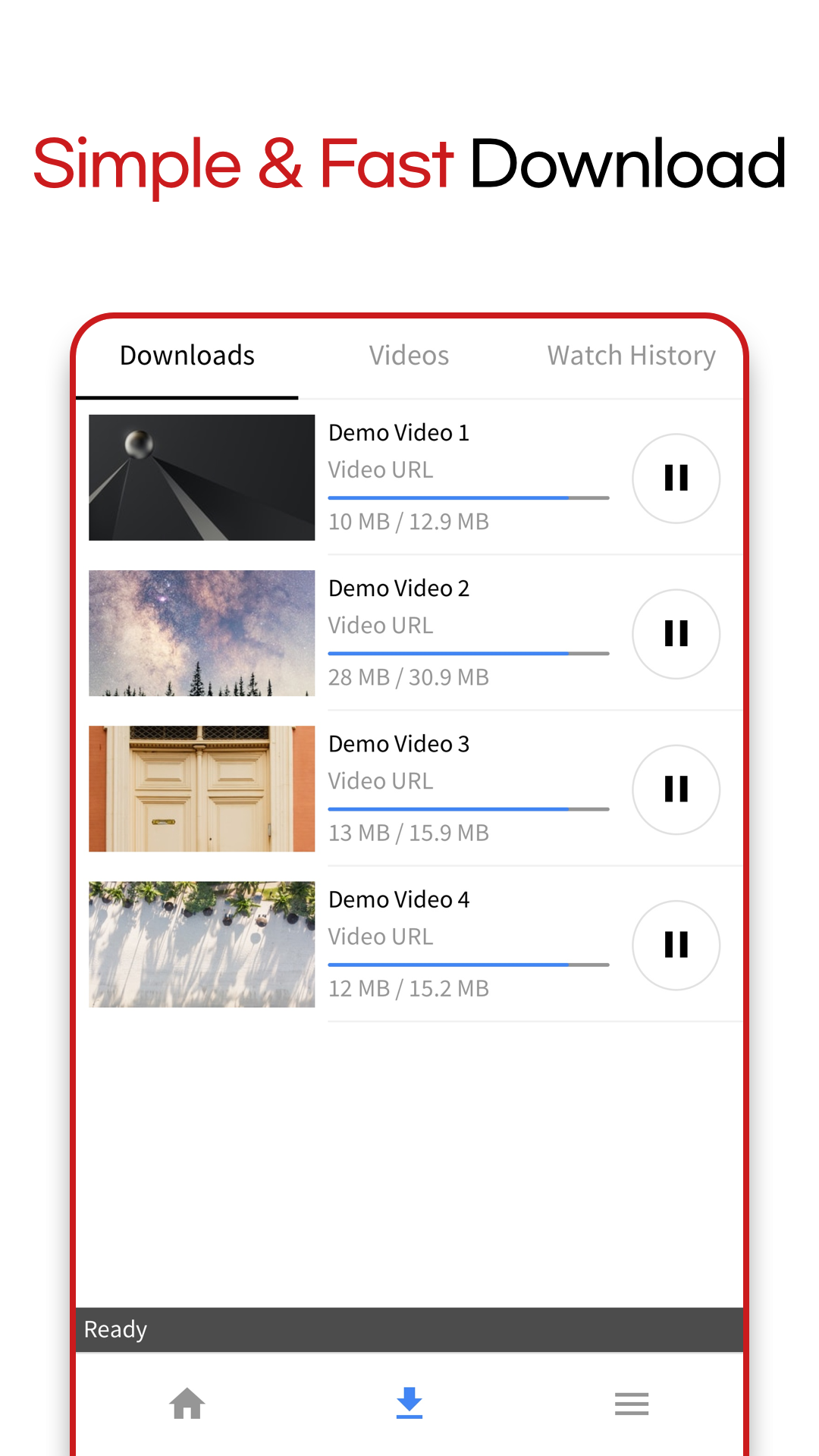
HD Video Downloader allows you to download a streaming video from various websites for free. It’s the easiest and quickest way to download your favorite videos!+ How to use?
1. Go to the website and play video from built-in browser.
2. Play the video or tap the download button. (It will be added in download queue.)
Note: You can check a thumbnail, video length, and the quality before you start downloading.
+ Please Note
HD Video Downloader does NOT support downloading a content from Youtube and illegal or adult websites. If the website doesn’t allow you to download a video, please find other website.
+ ETC
Download location: Videos will be saved in the following location: sdcard/HDV Downloader
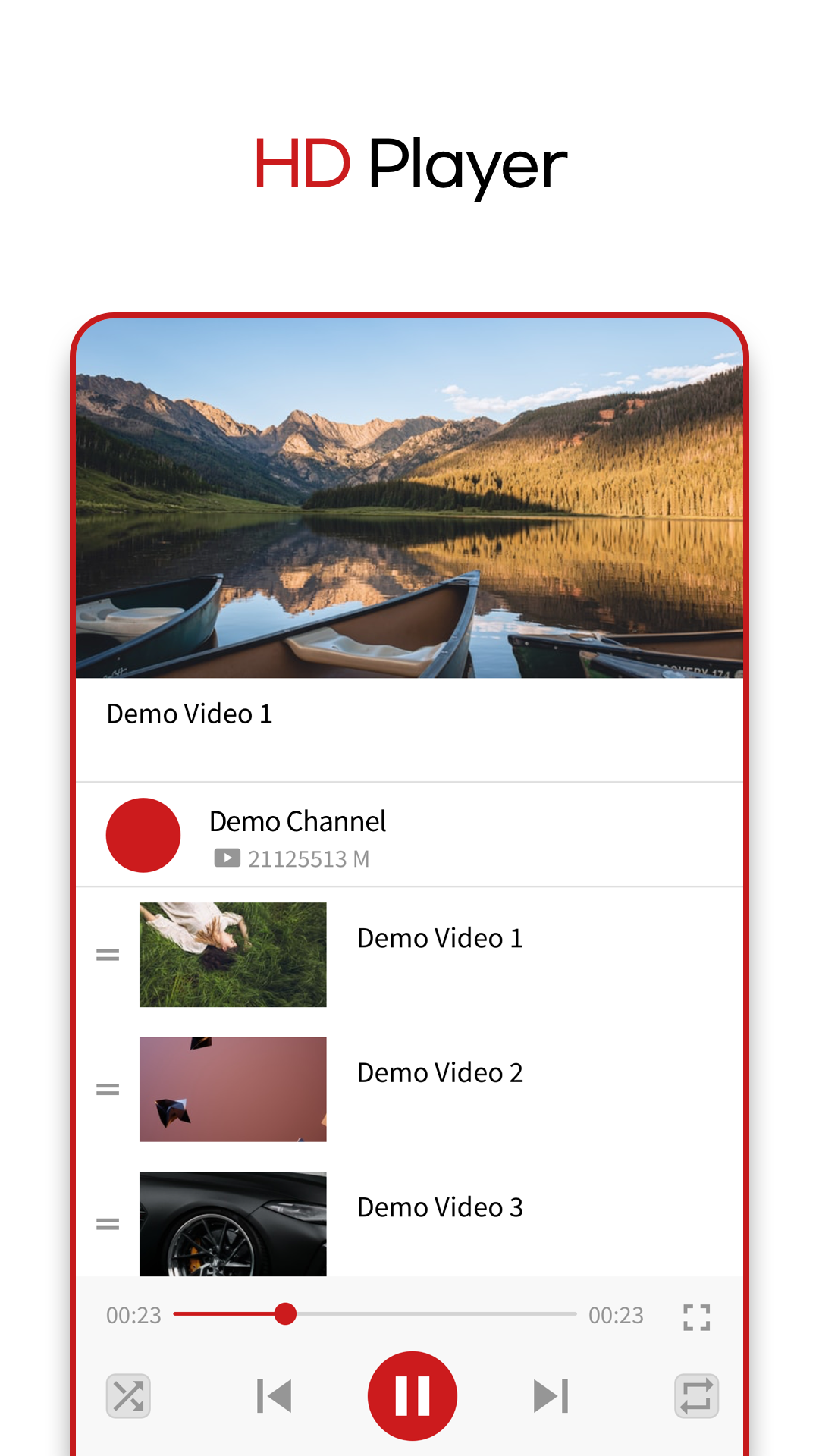
Simple and well-designed interface allows you to watch and share downloaded videos.
+ Contact
If you have any questions or concerns, please do not hesitate to contact us. We will reply you as soon as possible.
contact@teammobile.io
+ Respect Copyright
HD Video Downloader is not responsible for unauthorized downloads and use of copyrighted content. Please check whether or not the content is protected by copyright laws from each sites.