Falconview Faas is a Maps&Navigation application developed by NTSC, but with the best Android emulator-LDPlayer, you can download and play Falconview Faas on your computer.
Running Falconview Faas on your computer allows you to browse clearly on a large screen, and controlling the application with a mouse and keyboard is much faster than using touchscreen, all while never having to worry about device battery issues.
With multi-instance and synchronization features, you can even run multiple applications and accounts on your PC.
And file sharing makes sharing images, videos, and files incredibly easy.
Download Falconview Faas and run it on your PC. Enjoy the large screen and high-definition quality on your PC!
Falconview FaaS (Fleet as a service) is a cross platform fleet monitoring app offering real-time updates about the vehicle activity. From live ignition status to location tracking, everything can be done through the FaaS app. The app allows the user to monitor various aspects of the fleet on the go enabling better operational control.Features:
Profile Creation:
• Users can create their profiles in which they can add the vehicles to monitor.
• Every profile will have unique login credentials ensuring foolproof security of the accounts.
User Settings:
• User settings allows users to set notifications according to their need.
• Notifications can be set up for a specific activity or event to notify the user. The notifications can also be enabled or disabled.
Map Display:
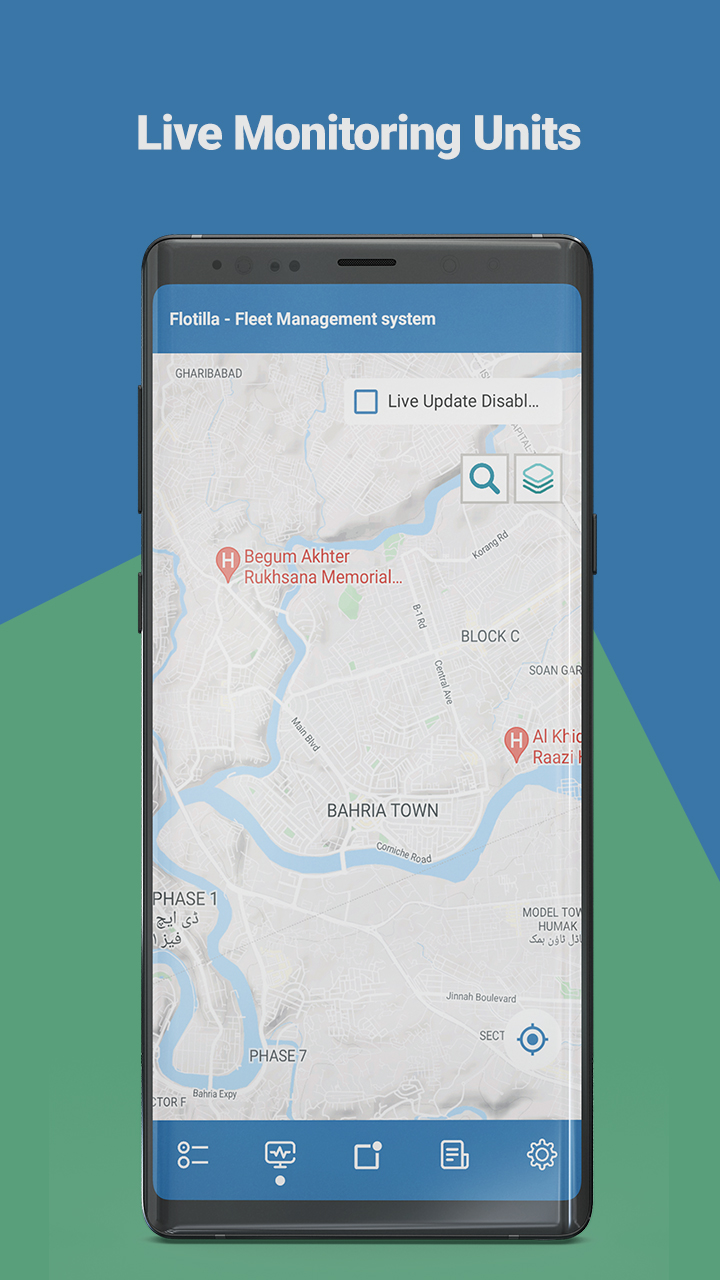
• FaaS app’s map display shows the landmark locations of the vehicles on the map to show the user where their vehicles are located currently.
• There are various map types that can be changed according to the need.
Unit Details:
• In the FaaS app, complete record of the registered units(vehicles) can be kept including the discreet details like real-time connection and motion status.
• The vehicle’s status is shown with various identifiers to help users to differentiate.
Device Details:
• Users can also check out all the details of the tracking devices attached to the vehicles including Model, ID, Location, GPS status, etc.
• The connection status of the devices is updated in real time.
Track Details:
• FaaS app shows the complete details of the trips completed by a vehicle including starting/ending points, date and time.
• The complete journey of a unit can be seen on the map showing the route taken by the vehicle during the trip.
Reports:
• Users can create vehicle reports for various templates including Trips, Engine Hours, Fuel, etc.
• The time and date of the reports can be selected according to the requirement.
Notifications:
• Users can receive the notification alerts based on various events like Ignition status, over speeding, Geo-fence exit/entrance, etc.
• The history of the triggered notifications can also be seen for a specific time duration.