GoPro BLE Remote is a Tools application developed by jaromeyer, but with the best Android emulator-LDPlayer, you can download and play GoPro BLE Remote on your computer.
Running GoPro BLE Remote on your computer allows you to browse clearly on a large screen, and controlling the application with a mouse and keyboard is much faster than using touchscreen, all while never having to worry about device battery issues.
With multi-instance and synchronization features, you can even run multiple applications and accounts on your PC.
And file sharing makes sharing images, videos, and files incredibly easy.
Download GoPro BLE Remote and run it on your PC. Enjoy the large screen and high-definition quality on your PC!
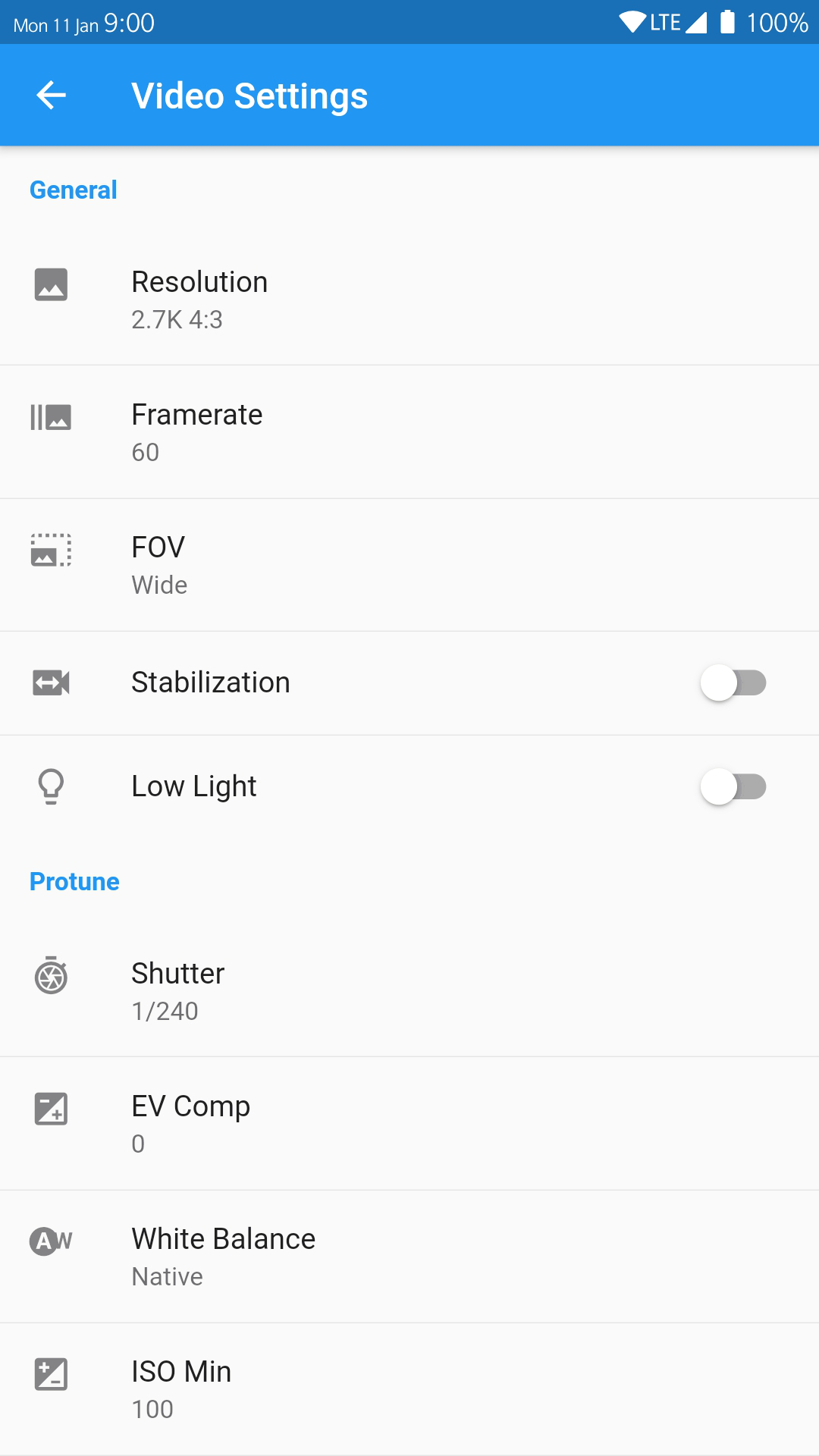
Always having problems connecting to your (naked) GoPro? Furious because GoPro recently removed Protune from their app? Wanting to control multiple GoPros at once?This app ticks all the boxes! By only using Bluetooth Low Energy instead of relying on an unstable Wi-Fi connection like other similar apps do, GoPro BLE Remote can connect to your GoPro in mere seconds instead of minutes (or not at all)! Spend your time doing what you love the most, not dealing with connection issues everytime you need to change your GoPro settings.
Features:
• unparalleled lightning-fast connection
• change any settings including Protune parameters
• tried and tested by many users
• control multiple cameras at once
• create unlimited custom presets and apply them with a single tap
• control your camera with broken Wi-Fi (especially useful for the Session line which lacks a physical screen)
• compatible with Hero 5-10 & Session 5 (other models may also work)
Caution: Because this app doesn't use Wi-Fi, live image preview unfortunately isn't possible.