HEIC Image Converter is a Tools application developed by GreenBizkit, but with the best Android emulator-LDPlayer, you can download and play HEIC Image Converter on your computer.
Running HEIC Image Converter on your computer allows you to browse clearly on a large screen, and controlling the application with a mouse and keyboard is much faster than using touchscreen, all while never having to worry about device battery issues.
With multi-instance and synchronization features, you can even run multiple applications and accounts on your PC.
And file sharing makes sharing images, videos, and files incredibly easy.
Download HEIC Image Converter and run it on your PC. Enjoy the large screen and high-definition quality on your PC!
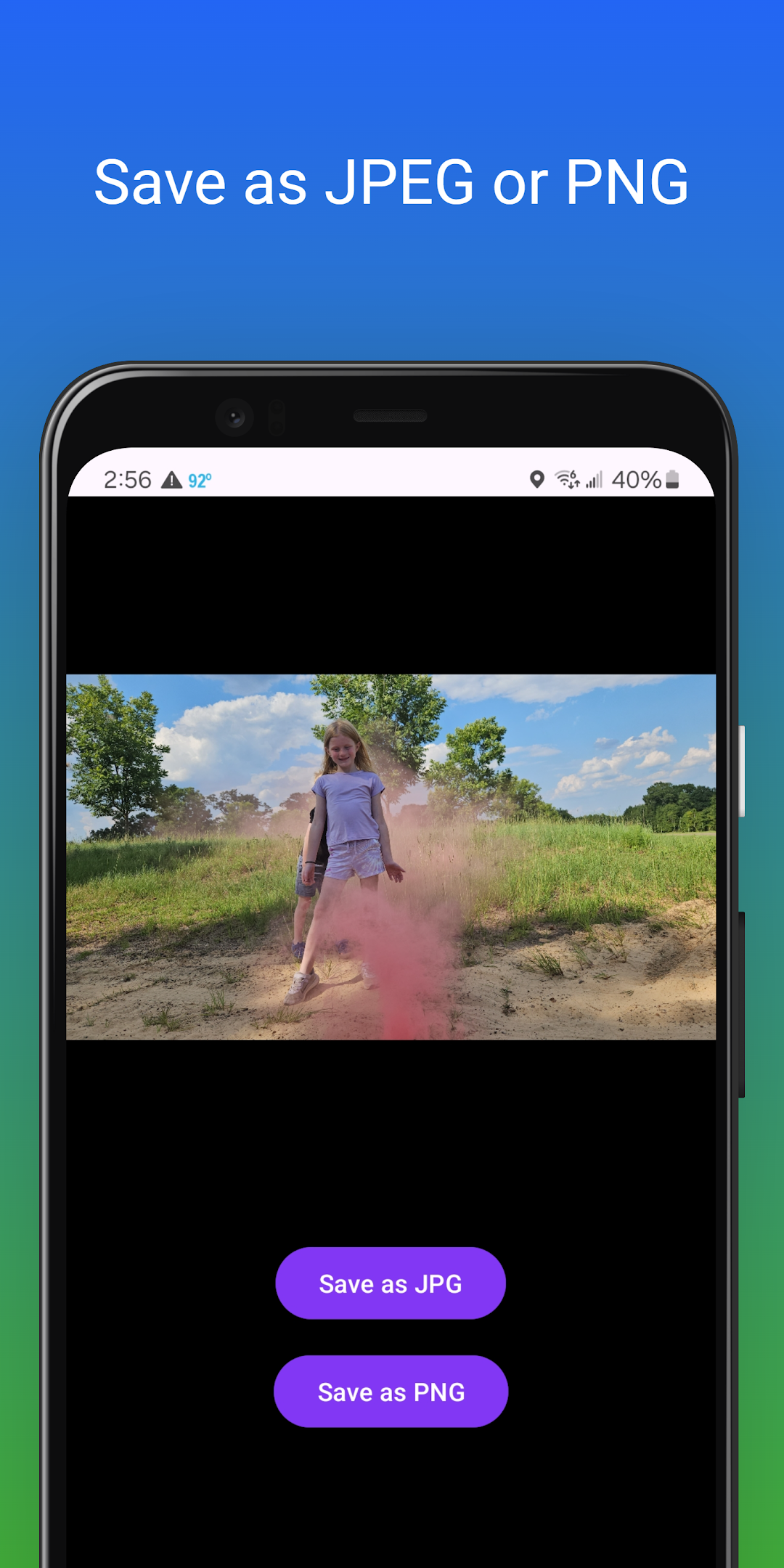
In the age of digital photography, HEIC (High Efficiency Image Format) has become increasingly popular due to its superior compression and image quality. However, not all devices and platforms support this format, making it a hassle to share your photos. ("Why does my favorite photo app only accept JPEG?") Converting HEIC images to more universally accepted formats like JPEG or PNG shouldn't require a degree in computer science. You need a straightforward solution that simplifies the conversion process without sacrificing quality.Introducing HEIC Converter Pro your go-to tool for effortlessly converting HEIC images to JPEG or PNG format. With a user-friendly interface and lightning-fast processing, you can convert multiple images at once, saving you time and frustration. Whether you’re looking to free up space, share images with friends and family, or simply need a format that works everywhere, HEIC Converter Pro makes it easy. Say goodbye to compatibility issues and hello to seamless image sharing!