Random Chat - Stranger Chat is a Dating application developed by gaga.soft, but with the best Android emulator-LDPlayer, you can download and play Random Chat - Stranger Chat on your computer.
Running Random Chat - Stranger Chat on your computer allows you to browse clearly on a large screen, and controlling the application with a mouse and keyboard is much faster than using touchscreen, all while never having to worry about device battery issues.
With multi-instance and synchronization features, you can even run multiple applications and accounts on your PC.
And file sharing makes sharing images, videos, and files incredibly easy.
Download Random Chat - Stranger Chat and run it on your PC. Enjoy the large screen and high-definition quality on your PC!
Welcome to Random Chat, the ultimate app for connecting with new friends around the globe! Whether you're looking to meet people nearby or from different parts of the world, Random Chat has you covered. Here's what you can do with our app:⦁ Photo Sharing: Easily share your favorite photos with friends.
⦁ Video Sharing: Send and receive videos to make your conversations more engaging.
⦁ Audio Sharing: Share voice messages and audio clips for a more personal touch.
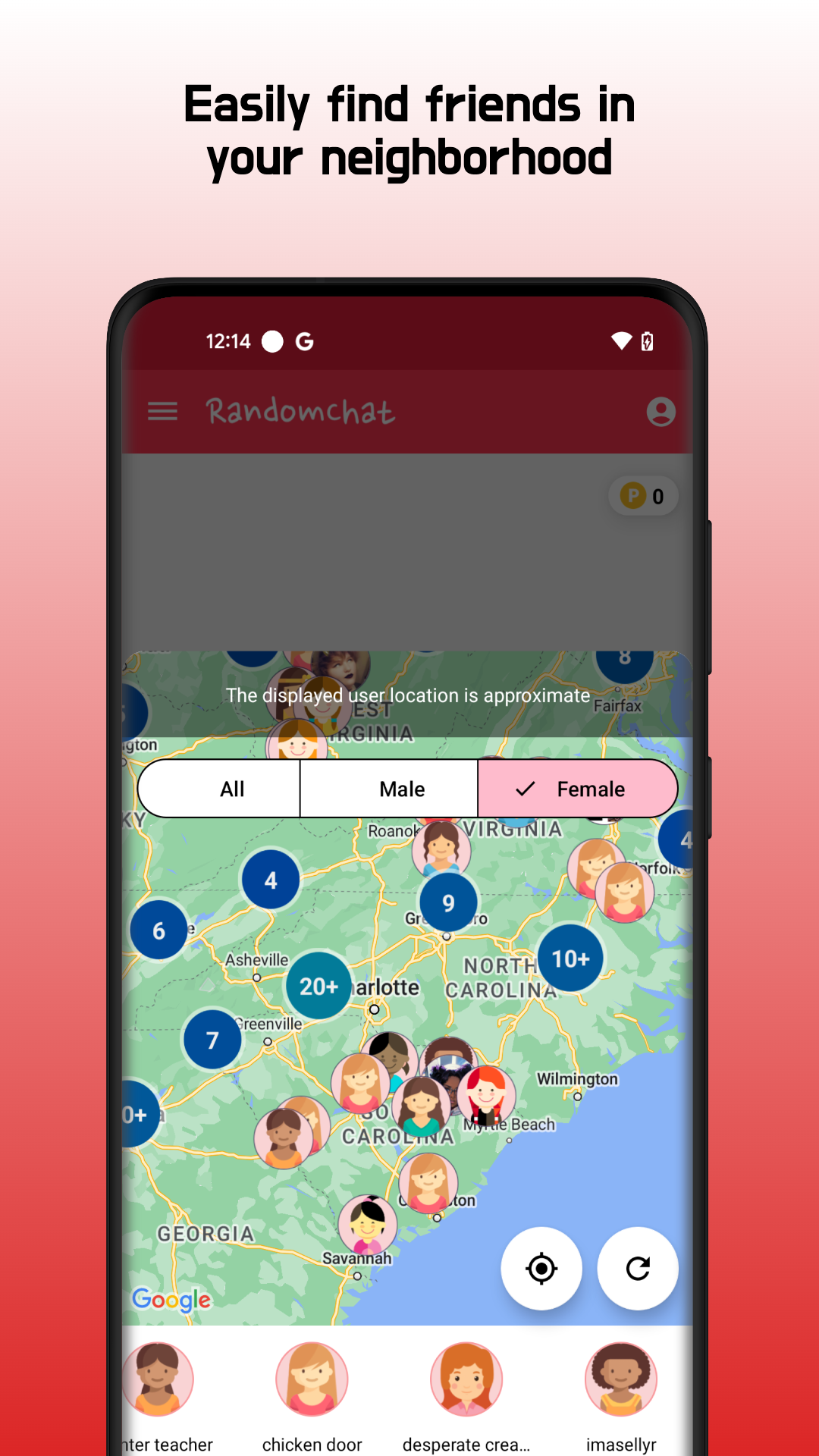
⦁ Nearby Friends: Discover friends who are near your location.
⦁ Distance Viewing: See how far away your friends are.
⦁ Friend Addition: Add new friends to your list and stay connected.
⦁ Real-time Random Matching: Meet new people instantly through our random matching feature.
⦁ Live Chat: Chat in real-time with people from around the world.
⦁ Instant Translation: Overcome language barriers with our instant translation feature and chat with global friends effortlessly.
⦁ With Random Chat, the world is at your fingertips. Download now and start making new connections today!