Metal World is a Productivity application developed by BIKAR-METALLE GmbH, but with the best Android emulator-LDPlayer, you can download and play Metal World on your computer.
Running Metal World on your computer allows you to browse clearly on a large screen, and controlling the application with a mouse and keyboard is much faster than using touchscreen, all while never having to worry about device battery issues.
With multi-instance and synchronization features, you can even run multiple applications and accounts on your PC.
And file sharing makes sharing images, videos, and files incredibly easy.
Download Metal World and run it on your PC. Enjoy the large screen and high-definition quality on your PC!
*This app lifts almost any weight*Weight and price calculator
BIKAR-METALLE GmbH is one of the world’s leading suppliers to industry and the retail market.
Our name has stood for quality, expertise, variety, precision and reliability in the field of non-ferrous metals and plastics for 50 years.
We supply:
Materials:
Aluminium
Copper
Brass
Bronze
Plastics
Silver steel
Special materials
In the form of:
Sheets & plates
Bars & tubes
Round blanks & rings
Bushings
Profiles
Pre-cuts
Parts from drawings
Why this app:
We have created this weight calculator to fulfil our customers’ frequent request to be able to calculate the weights of materials quickly and easily. And we don't just stop at our standard product range.
Easily calculate the weight of almost 350 different materials and elements in a total of 22 currently specified formats. An integrated price calculator enables you to determine prices for the calculated material.
The app can:
Calculate weights from almost 350 materials and elements for:
Rolled and cast materials:
- sheets / plates / cuttings / rings / circular blanks
Bars:
- round / square / flat / hexagonal / octagonal / double hexagonal
Tubes:
- round / square / hexagonal – angular and round-hole / bushings / hollow bars
Profiles:
- angle (L) / T / U / Z / double T
Special shapes
- Spheres
Results:
Weights: per kg/m or m² ● per item ● total weight
For tubular forms, calculate the missing dimensions
for semi-circular bars (circular section) circle chord/height/diameter
Display density (specific weight):
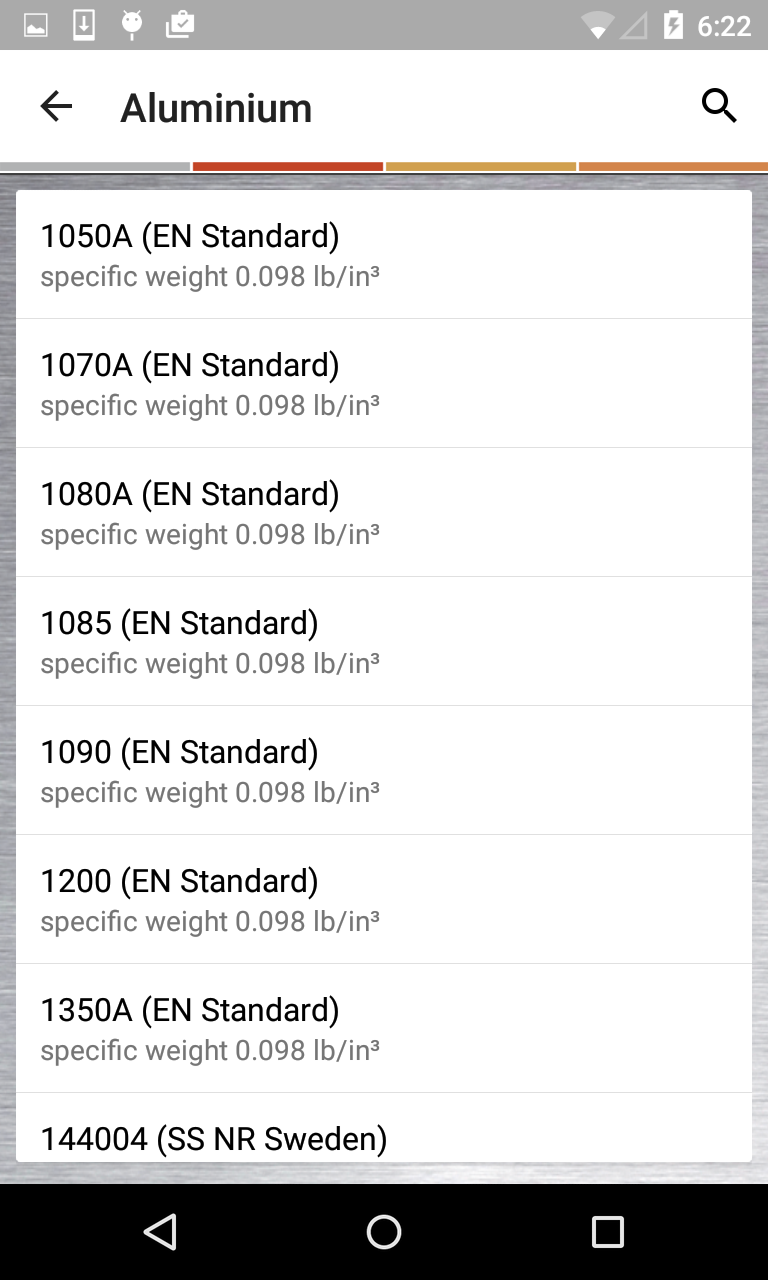
The densities are displayed for all materials and elements.
Material comparisons:
The database contains many international material designations. E.g. DIN standards, EN standards (EN-AW), ASTM, BS (British Standard), UNI Italy) AFNOR (France), JIS (Japan), GHOST (Russia) and standards from China, Sweden, Norway, Spain, New Zealand, Australia, etc.
Materials for tool-, mould- and model-making:
You can also find special aluminium materials for tool-making, mould-making and model-making, such as FORMODAL®, UNIDAL® or CERTAL®.
Price calculator:
After you have calculated the weights, you can ascertain the different values using the “Price” function key. Price per kg, unit prices, price per metre (for bars, profiles and tubes), price per m² (for plates, metal sheet and pre-cuts) or the total price. The price calculator determines the missing values depending on the selection made.
Another request: If you like this app, we would be grateful if you could provide a positive rating in the store. We’ll also be happy to receive any comments or suggestions you may have. Write to us, where possible with your e-mail address, so that we can get in touch with you if required.
The team at BIKAR-METALLE GmbH hopes you enjoy using the app.
BIKAR-METALLE GmbH
Industriestr. 3 - 17
57319 Bad Berleburg
GERMANY
Tel.: +49-2751-9551111
app@bikar.com
www.bikar.com
https://www.bikar.com/privacy-policy.html