MN Fat Loss is a Health&Fitness application developed by BodySite, but with the best Android emulator-LDPlayer, you can download and play MN Fat Loss on your computer.
Running MN Fat Loss on your computer allows you to browse clearly on a large screen, and controlling the application with a mouse and keyboard is much faster than using touchscreen, all while never having to worry about device battery issues.
With multi-instance and synchronization features, you can even run multiple applications and accounts on your PC.
And file sharing makes sharing images, videos, and files incredibly easy.
Download MN Fat Loss and run it on your PC. Enjoy the large screen and high-definition quality on your PC!
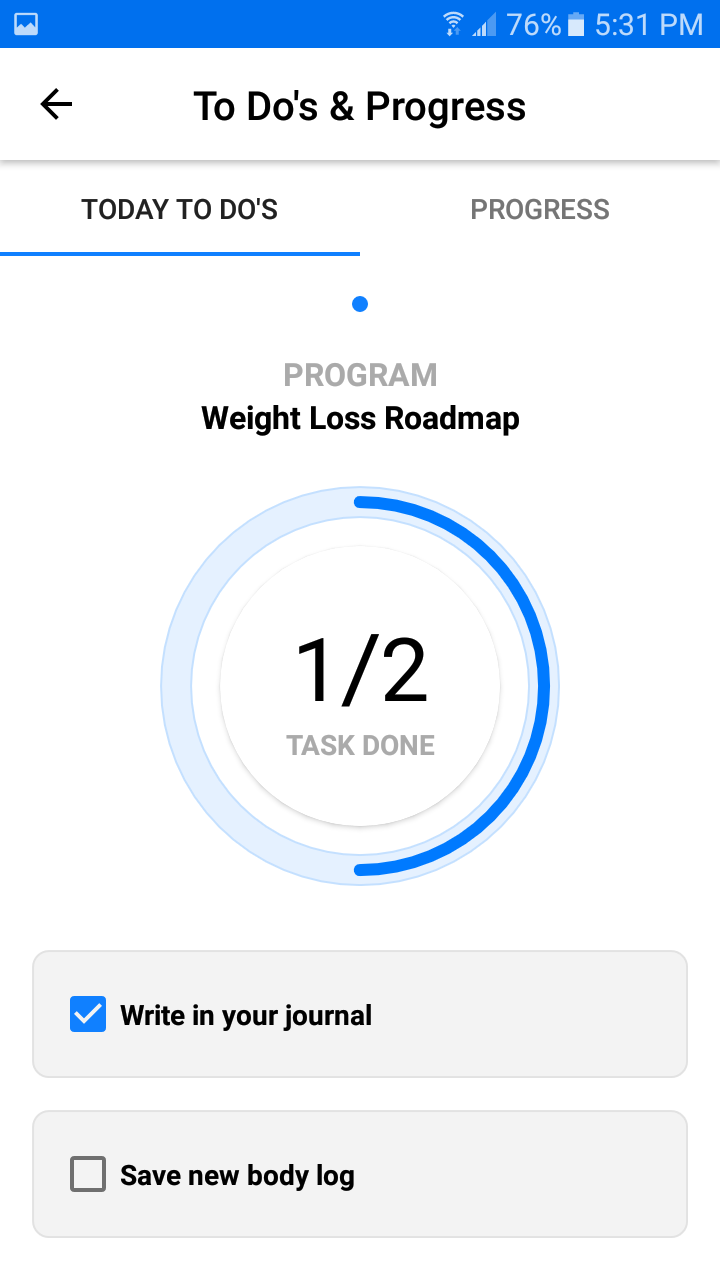
The MN Fat Loss App connects you with your wellness plan from Minnesota Weight Loss in real time. Receive daily meal planning, exercise guidance, lifestyle modification support and motivation.What you get:
* Wellness Plans Customized For You
* Your wellness plan info, delivered daily, from your provider
* Meal plans, grocery lists and recipes
* Calorie counter
* Meal by meal and daily nutritional summary with calories and macronutrients
* A detailed exercise program
* Exercise video and photo examples and descriptions
* Daily affirmations, uplifting support and motivation
* Activity tracker
* Private journal to keep track of your progress, ideas
* Real-time sharing of your food, exercise, body and personal journals with your provider
* Direct private messaging with your provider
* Track steps, water, sleep and custom activities (including your Fitbit information (desktop activation required for Fitbit)