Mod Tools Minecraft PE is a Tools application developed by djf euwoe, but with the best Android emulator-LDPlayer, you can download and play Mod Tools Minecraft PE on your computer.
Running Mod Tools Minecraft PE on your computer allows you to browse clearly on a large screen, and controlling the application with a mouse and keyboard is much faster than using touchscreen, all while never having to worry about device battery issues.
With multi-instance and synchronization features, you can even run multiple applications and accounts on your PC.
And file sharing makes sharing images, videos, and files incredibly easy.
Download Mod Tools Minecraft PE and run it on your PC. Enjoy the large screen and high-definition quality on your PC!
⭐️This application requires Minecraft Pocket Edition.Mod Tools Minecraft PE is a installer mod for your mcpe world. Install your favorite mods with our application in a very easy and simple way, download and automatically install into the game through our app.
Convert the standard mcpe world by default, create your own unique.
Be creative and show off your unique style! Customize your Minecraft game with addons and mods. With an ever-expanding catalog of mods, there’s no limit to the worlds you can create.
Features:
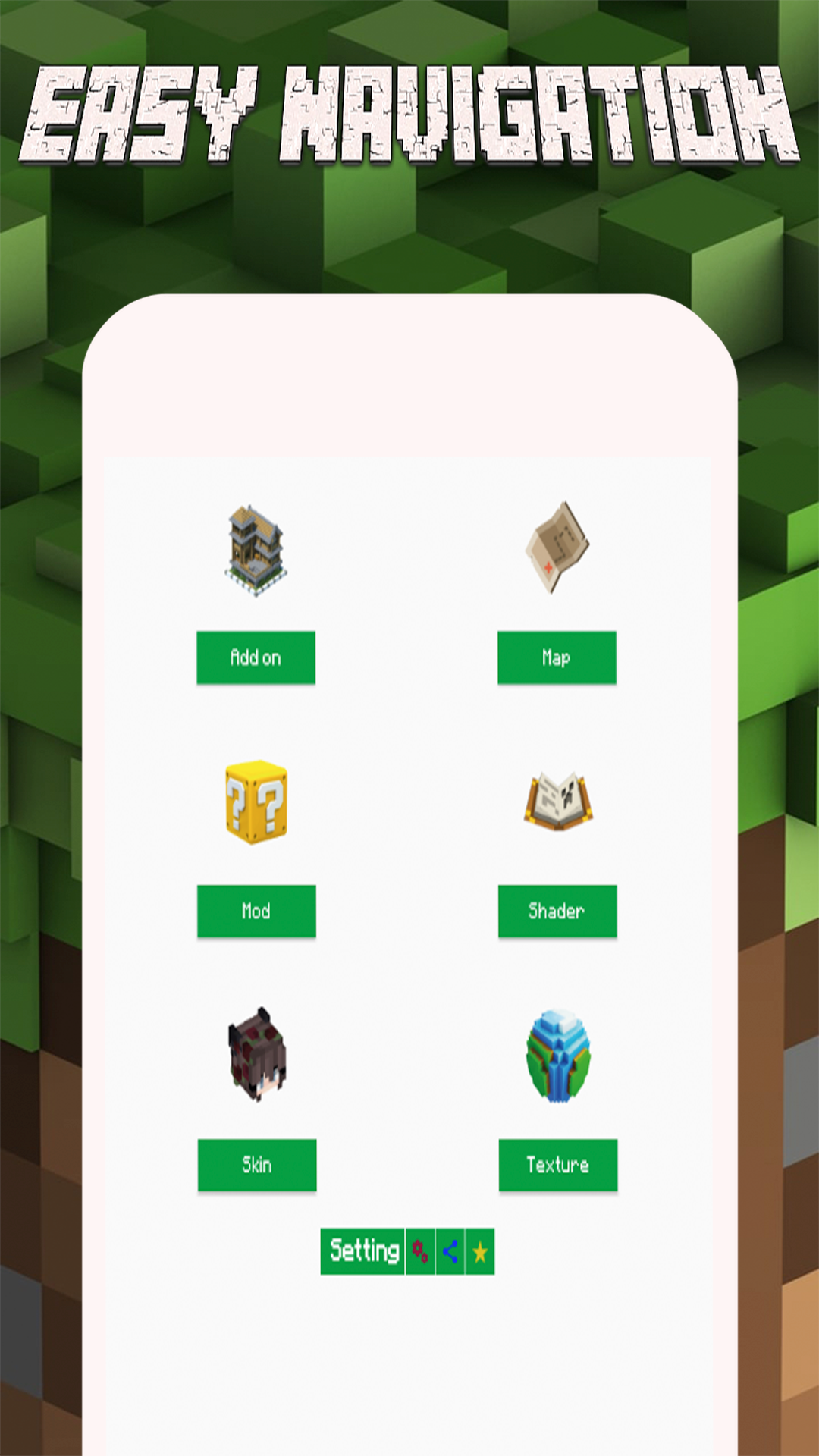
- Mods: Several mods are typically able to be used at the same time in order to enhance gameplay.
- Skin Tools: Apply your favorite skin for your character.
- Textures: Collection of files that were used to change the in-game textures of blocks.
- AddOn: Using addon, you can transform the worlds, and modify the mob behaviors and properties, essentially creating new kind of games.
- Maps: Custom created saved game worlds.
- Shaders: Simple way to modify the way renders its lighting and shadows.
We are working hard to add new data every update. So let download and stay tuned. If you need any mod, addon, map, skin and etc. don't hesitate to drop a request in review section.
This application does use the internet to load new data, so please be aware of data usage.
DISCLAIMER:
NOT AN OFFICIAL MINECRAFT PRODUCT. NOT APPROVED BY OR ASSOCIATED WITH Mojang AB. Minecraft Name, Minecraft Mark and Minecraft Assets are all property of Mojang AB or their respectful owner. All rights reserved.
All files provided for download in this application are provided under the terms of a free distribution license.
If you believe that we have violated your intellectual property rights, or any other agreement, write to us at contact@djfeuwoe.com, we immediately take the necessary measures.