Pitch Sharp is a Music&Audio application developed by Drood Studio, but with the best Android emulator-LDPlayer, you can download and play Pitch Sharp on your computer.
Running Pitch Sharp on your computer allows you to browse clearly on a large screen, and controlling the application with a mouse and keyboard is much faster than using touchscreen, all while never having to worry about device battery issues.
With multi-instance and synchronization features, you can even run multiple applications and accounts on your PC.
And file sharing makes sharing images, videos, and files incredibly easy.
Download Pitch Sharp and run it on your PC. Enjoy the large screen and high-definition quality on your PC!
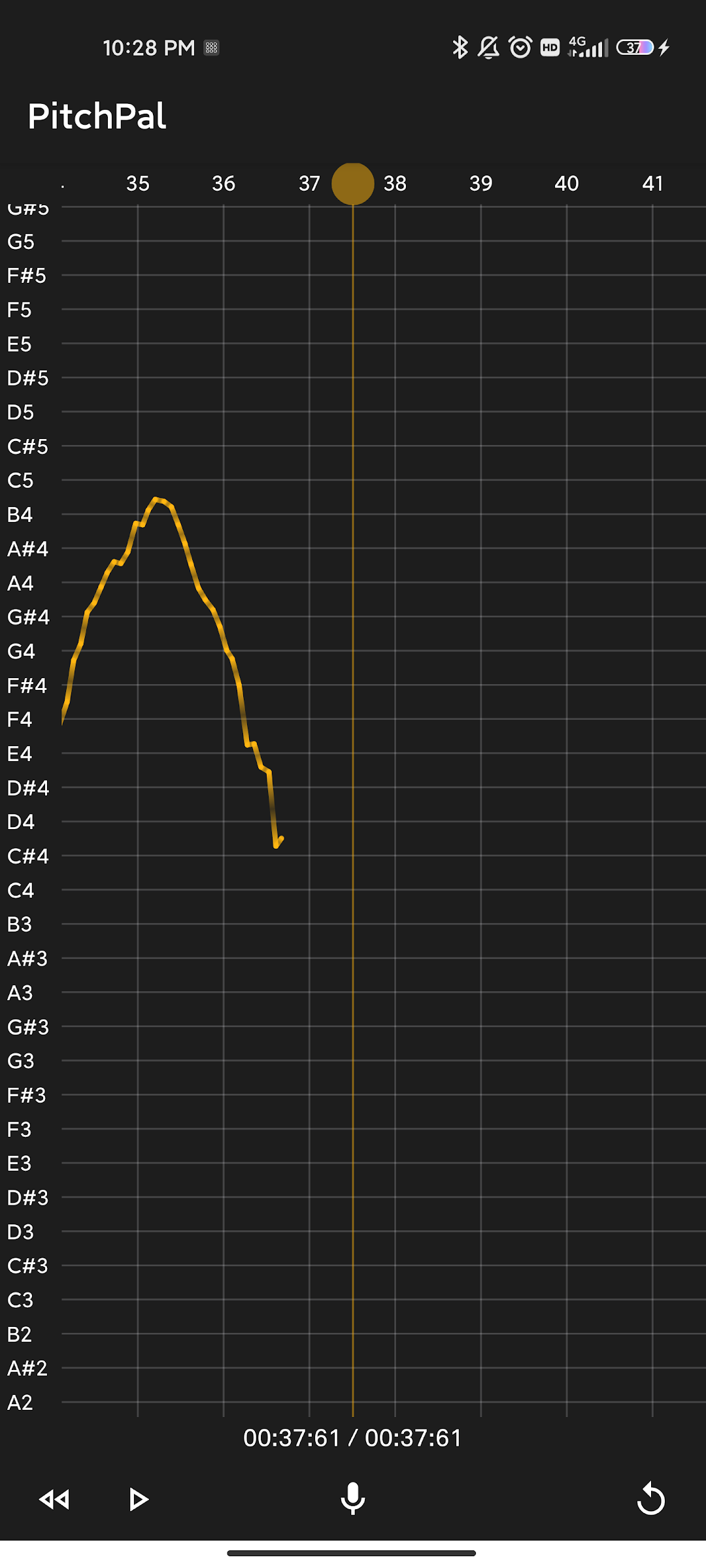
ChatGpt made the description, and MidJourney made the Icons!Pitch Sharp is a powerful and user-friendly app designed to help singers of all levels improve their pitch accuracy and enhance their vocal skills. With Pitch Sharp, users can easily detect the pitch of their singing and receive real-time feedback on their performance.
Using advanced pitch detection technology, Pitch Sharp analyzes the user's voice and provides precise information on the pitch, helping them to make adjustments and sing with greater accuracy. The app also offers a range of vocal training exercises to help users improve their pitch and develop their singing voice.
Pitch Sharp is perfect for singers who want to improve their performance in a fun and engaging way. Whether you are a beginner or a professional, Pitch Sharp offers a range of features to help you achieve your vocal goals. With its intuitive interface and customizable settings, Pitch Sharp is easy to use and highly effective.