Radio rock is a Entertainment application developed by DEVACE, but with the best Android emulator-LDPlayer, you can download and play Radio rock on your computer.
Running Radio rock on your computer allows you to browse clearly on a large screen, and controlling the application with a mouse and keyboard is much faster than using touchscreen, all while never having to worry about device battery issues.
With multi-instance and synchronization features, you can even run multiple applications and accounts on your PC.
And file sharing makes sharing images, videos, and files incredibly easy.
Download Radio rock and run it on your PC. Enjoy the large screen and high-definition quality on your PC!
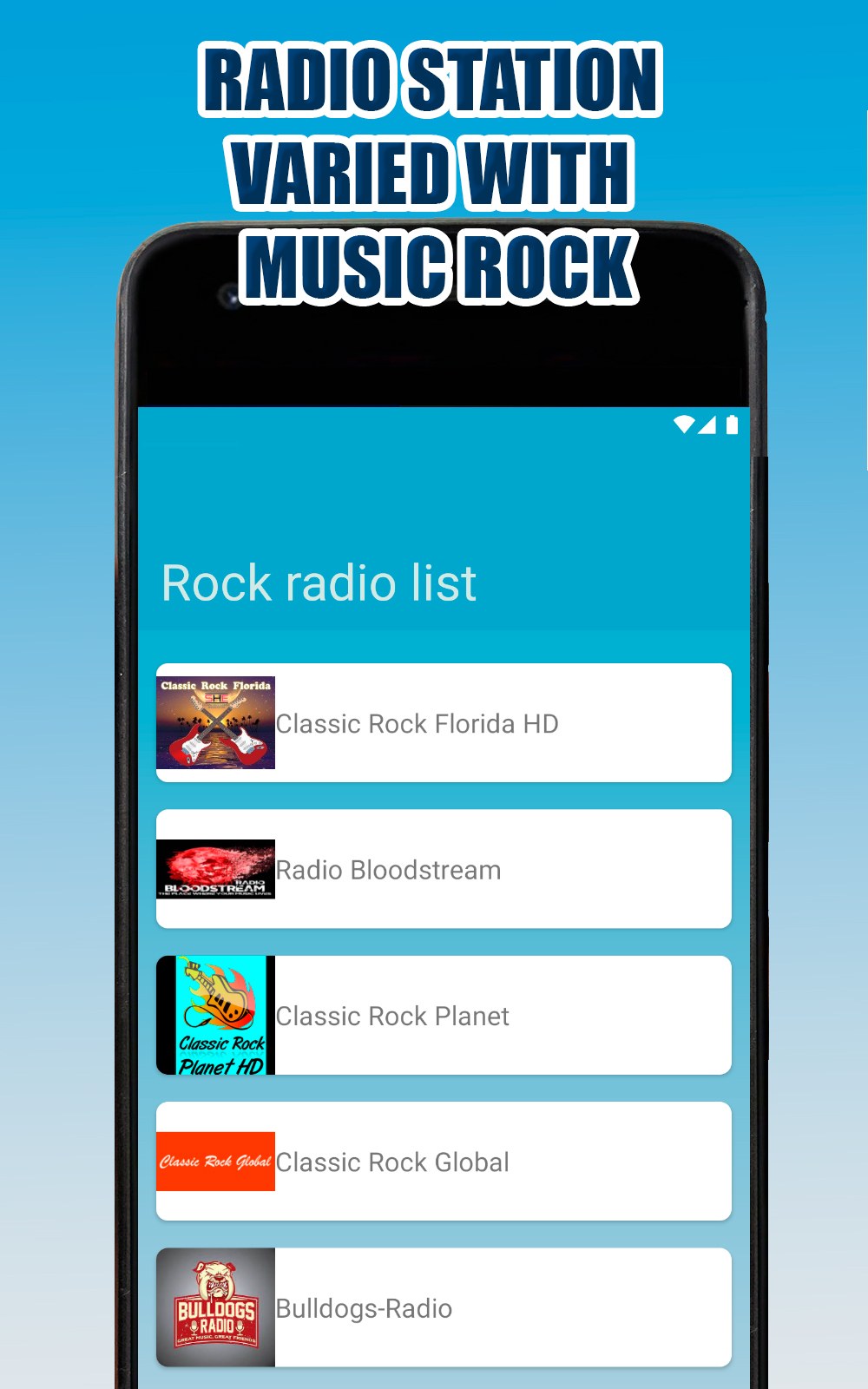
Enjoy the best stations, songs of the greatest genre of all time rock.This application only contains rock music stations and possibly other genres, as well as open signal, which means that these stations can be listened to on the Internet through the official page of each channel.
Enjoy Rock Radio easily.
Enjoy the programming of all the rock radio stations in a simple way.
Radio rock is your new entertainment center for Android!
Don't waste any more time on app settings, lists, EPGs, streams. Radio rock takes care of all the work so all you have to do is click and listen to your songs on your favorite station of the greatest rock genre in history.