Screen Mirroring for TV is a Tools application developed by LUJO Apps, but with the best Android emulator-LDPlayer, you can download and play Screen Mirroring for TV on your computer.
Running Screen Mirroring for TV on your computer allows you to browse clearly on a large screen, and controlling the application with a mouse and keyboard is much faster than using touchscreen, all while never having to worry about device battery issues.
With multi-instance and synchronization features, you can even run multiple applications and accounts on your PC.
And file sharing makes sharing images, videos, and files incredibly easy.
Download Screen Mirroring for TV and run it on your PC. Enjoy the large screen and high-definition quality on your PC!
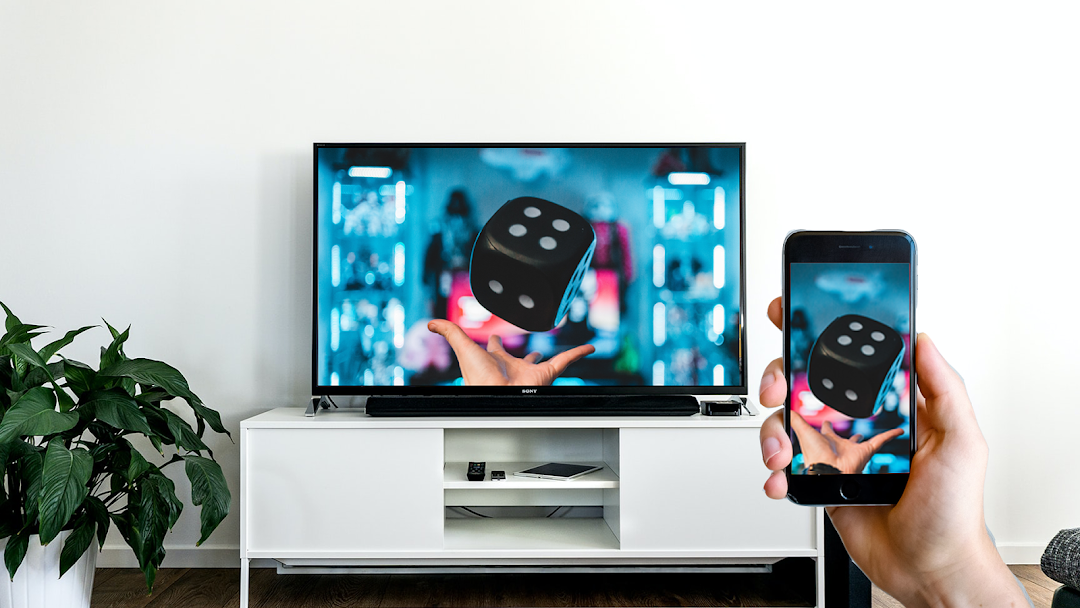
With Screen Mirroring - Play mobile on TV you can transfer your smartphone screen to your TV screen in real time. You can view all media such as photos, music, videos and mobile games on your TV.Important before 1st use:
1. Your TV must support Miracast.
2. Your cell phone and TV must be connected to the same wifi.
Supported TV devices:
- Smart TVs from LG, Samsung, Sony, TCL, Xiaomi or Hisense.
- Google Chromecast, Amazon Fire TV Stick and Roku TV Stick
- AnyCast and other wireless adapters
Features:
- Transfer: stable transfer from smartphone to TV
- Mirror cell phone to TV: Image from mobile is mirrored to TV
- Setup: easy & quick connection with just one click
- Games: Transfer of mobile games
- Streaming: broadcast from YouTube, Twitch and LIVE TV
- Real time: sound and picture are mirrored in real time
1. your phone and TV must be connected to the same WLAN
2. activate the Miracast function on your Smart TV
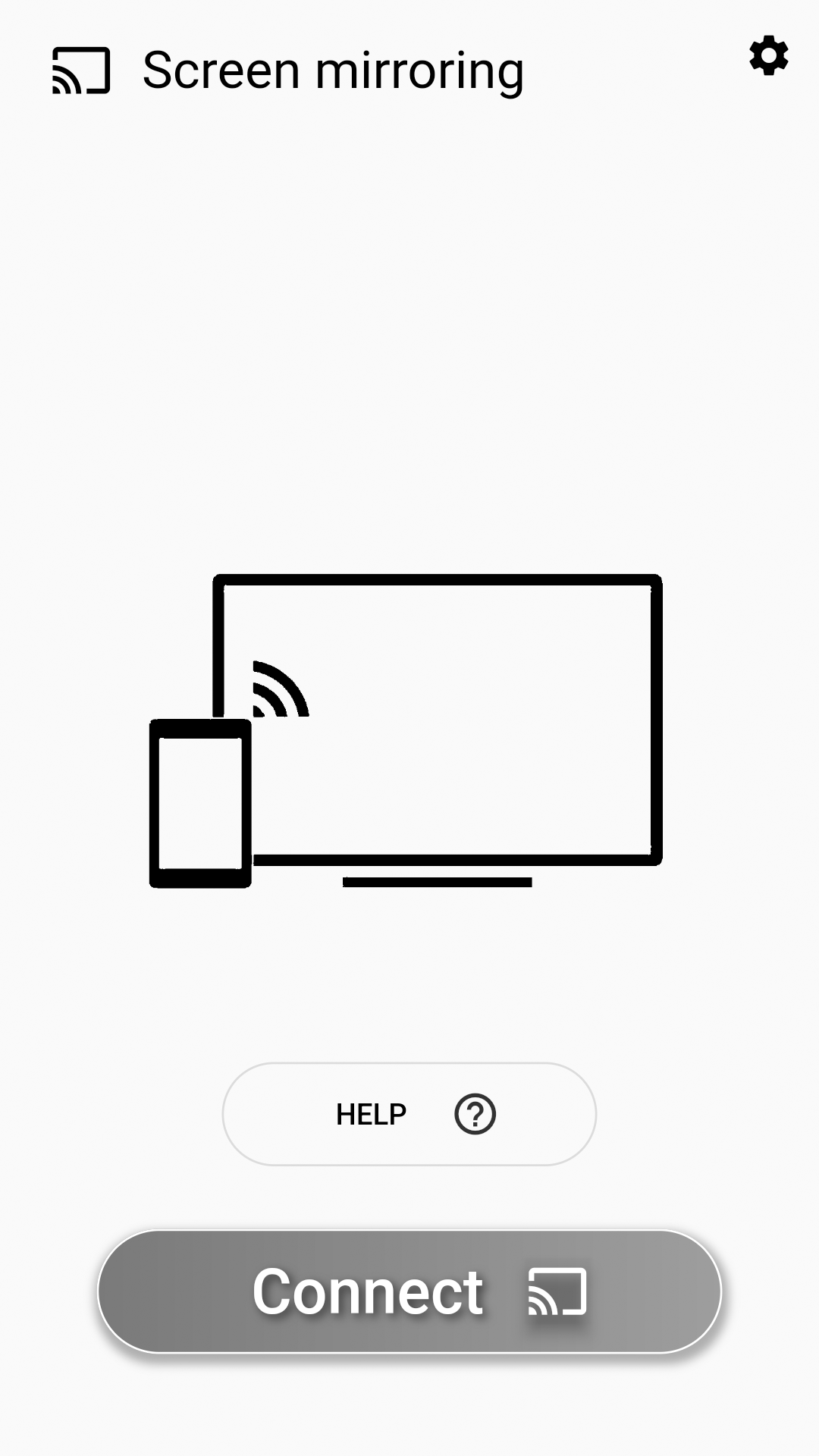
3. start our app on your smartphone and press "Connect
4. select the TV on your cell phone
5. cell phone and TV are now connected
If you have any questions, problems or suggestions for improvement, please write us an email: screenmirroring@lujo-ug.de