

SeaStorm Hurricane Tracker is a Weather application developed by Poignant Projects, but with the best Android emulator-LDPlayer, you can download and play SeaStorm Hurricane Tracker on your computer.
Running SeaStorm Hurricane Tracker on your computer allows you to browse clearly on a large screen, and controlling the application with a mouse and keyboard is much faster than using touchscreen, all while never having to worry about device battery issues.
With multi-instance and synchronization features, you can even run multiple applications and accounts on your PC.
And file sharing makes sharing images, videos, and files incredibly easy.
Download SeaStorm Hurricane Tracker and run it on your PC. Enjoy the large screen and high-definition quality on your PC!
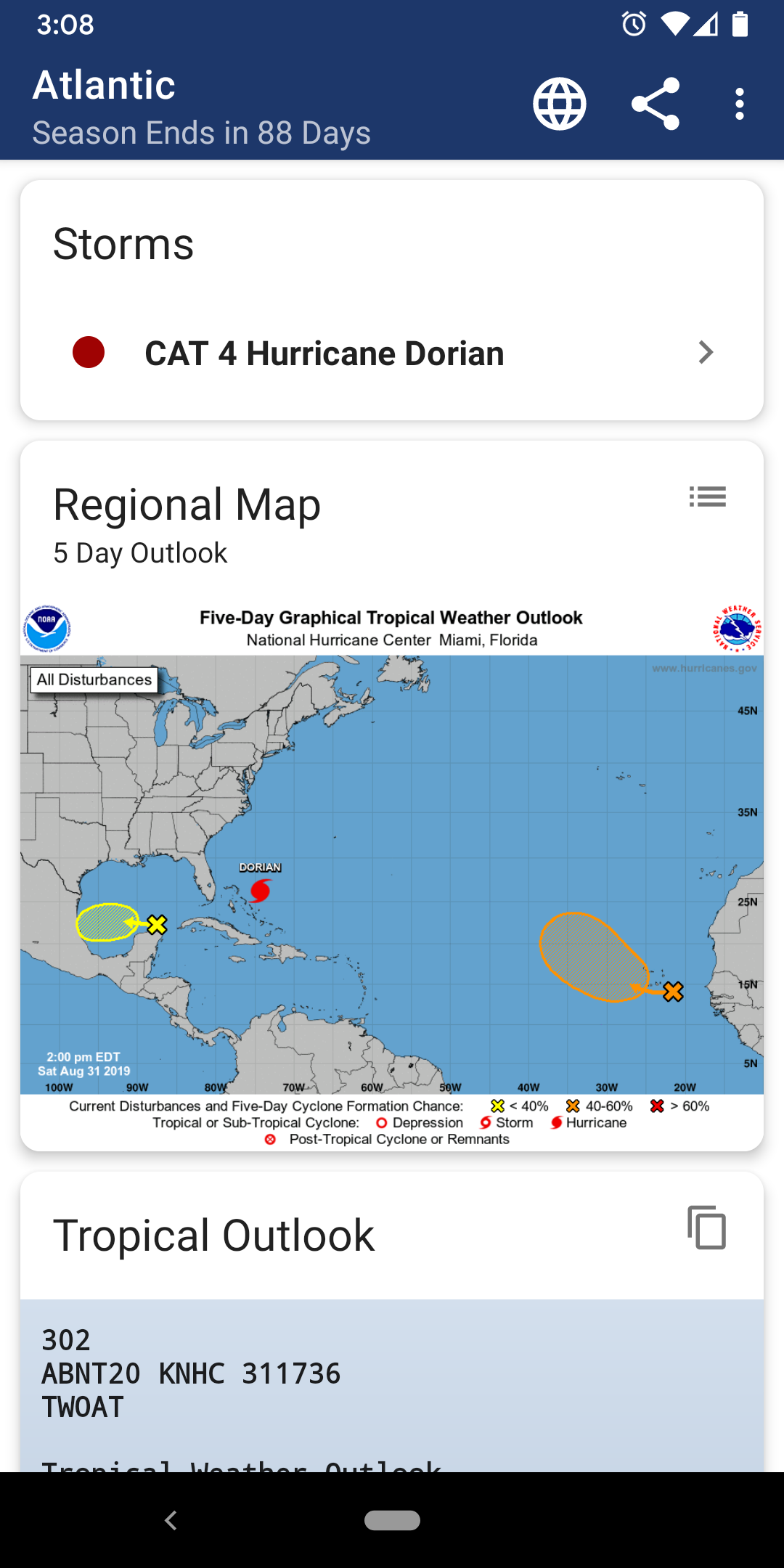
SeaStorm allows you to keep track of tropical storm and hurricane activity in the Atlantic, Eastern Pacific, and Central Pacific basins. Get quick access to what you need to stay informed during hurricane season! Features include:• Quick overview of active hurricanes, tropical storms, depressions, and other cyclones
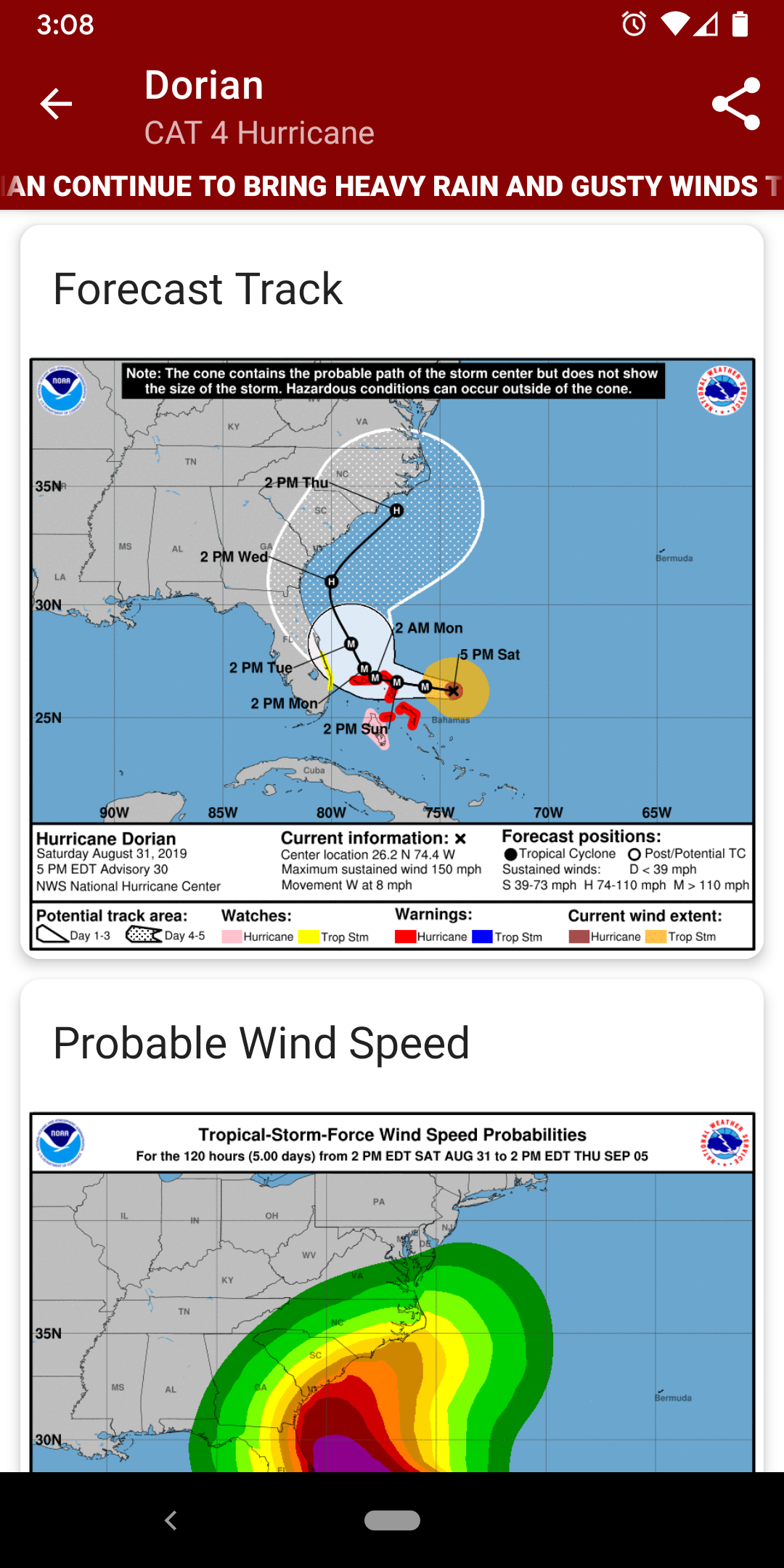
• Per-storm advisory & discussion text from the experts at the National Hurricane Center*
• Forecast cones (5-day uncertainty track), wind speed probability, and storm surge maps (when available)
• Background notifications of new and updated storms
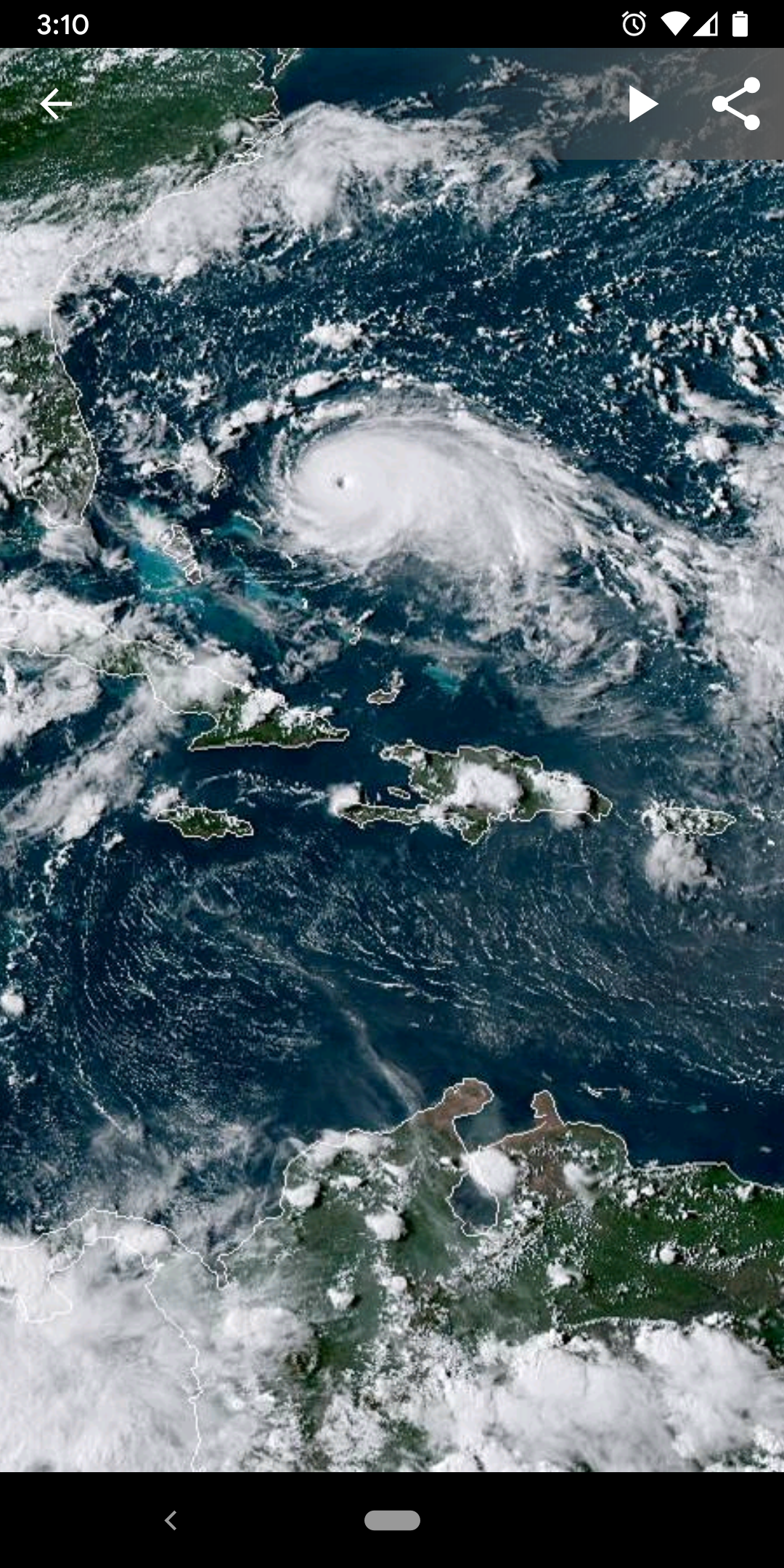
• Multiple types of regional summary maps and satellite loops to choose from
• Tap on any map to view full screen, with pinch-to-zoom, drag, and scroll support, even during loop playback
• Forecast Models: View forecast models (also known as spaghetti models) for active systems on an interactive map complete with panning, zooming, and individual model point information when tapped. Features selectable models, start time, and run length
* Poignant Projects is not affiliated with NOAA (National Oceanic and Atmospheric Administration) or the NHC (National Hurricane Center)