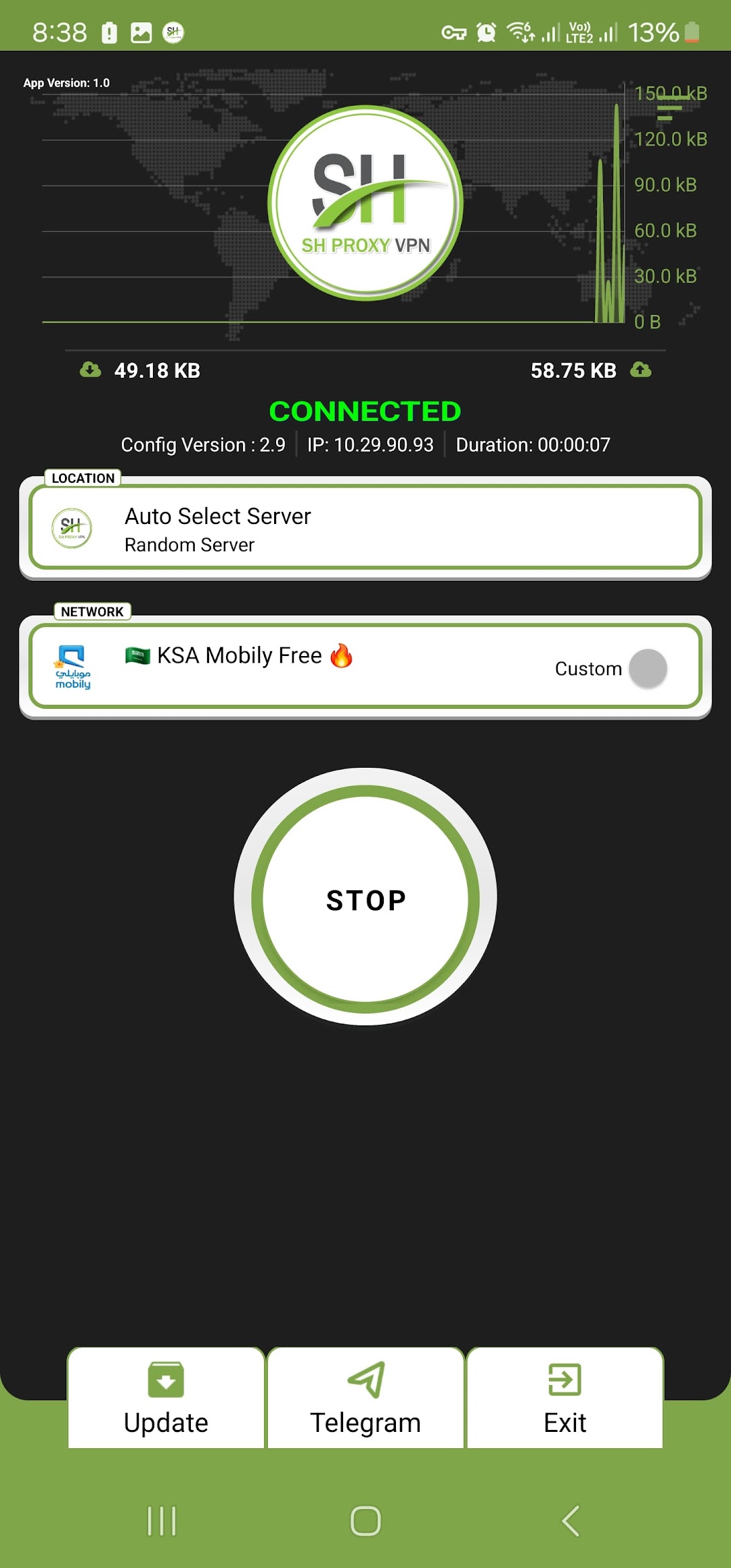
SH PROXY VPN is a Tools application developed by EmperorVPN, but with the best Android emulator-LDPlayer, you can download and play SH PROXY VPN on your computer.
Running SH PROXY VPN on your computer allows you to browse clearly on a large screen, and controlling the application with a mouse and keyboard is much faster than using touchscreen, all while never having to worry about device battery issues.
With multi-instance and synchronization features, you can even run multiple applications and accounts on your PC.
And file sharing makes sharing images, videos, and files incredibly easy.
Download SH PROXY VPN and run it on your PC. Enjoy the large screen and high-definition quality on your PC!
SH PROXY VPN: Unleash the Power of a Secure and Private InternetSH PROXY VPN is your one-stop shop for a safe and unrestricted internet experience. Our app empowers you to browse freely with a variety of robust protocols:
OVPN3: Experience the cutting-edge of VPN technology with blazing-fast speeds and enhanced security features.
SSH: Secure your connection with a tried-and-tested protocol, ideal for bypassing restrictions and protecting your data.
UDP: Enjoy unparalleled speed and efficiency for seamless streaming and online gaming.
DNSTT: Take control of your DNS settings and shield yourself from online tracking and manipulation.
V2RAY: Benefit from a next-generation protocol known for its reliability, security, and ability to bypass censorship.
SH PROXY VPN goes beyond just protocols, offering you:
Unwavering Privacy: SH PROXY VPN prioritizes your privacy. We have a strict no-logs policy, ensuring your online activity remains completely anonymous.
Global Reach: Access content from around the world with our extensive network of servers.
Unparalleled Security: SH PROXY VPN utilizes top-tier encryption to safeguard your data from prying eyes, even on public Wi-Fi.
Intuitive Interface: Our user-friendly app is designed for ease of use, allowing you to connect with a single tap.
Download SH PROXY VPN today and unlock a world of possibilities!