Text Story: Chat Conversations is a Entertainment application developed by Best Butter LLC, but with the best Android emulator-LDPlayer, you can download and play Text Story: Chat Conversations on your computer.
Running Text Story: Chat Conversations on your computer allows you to browse clearly on a large screen, and controlling the application with a mouse and keyboard is much faster than using touchscreen, all while never having to worry about device battery issues.
With multi-instance and synchronization features, you can even run multiple applications and accounts on your PC.
And file sharing makes sharing images, videos, and files incredibly easy.
Download Text Story: Chat Conversations and run it on your PC. Enjoy the large screen and high-definition quality on your PC!
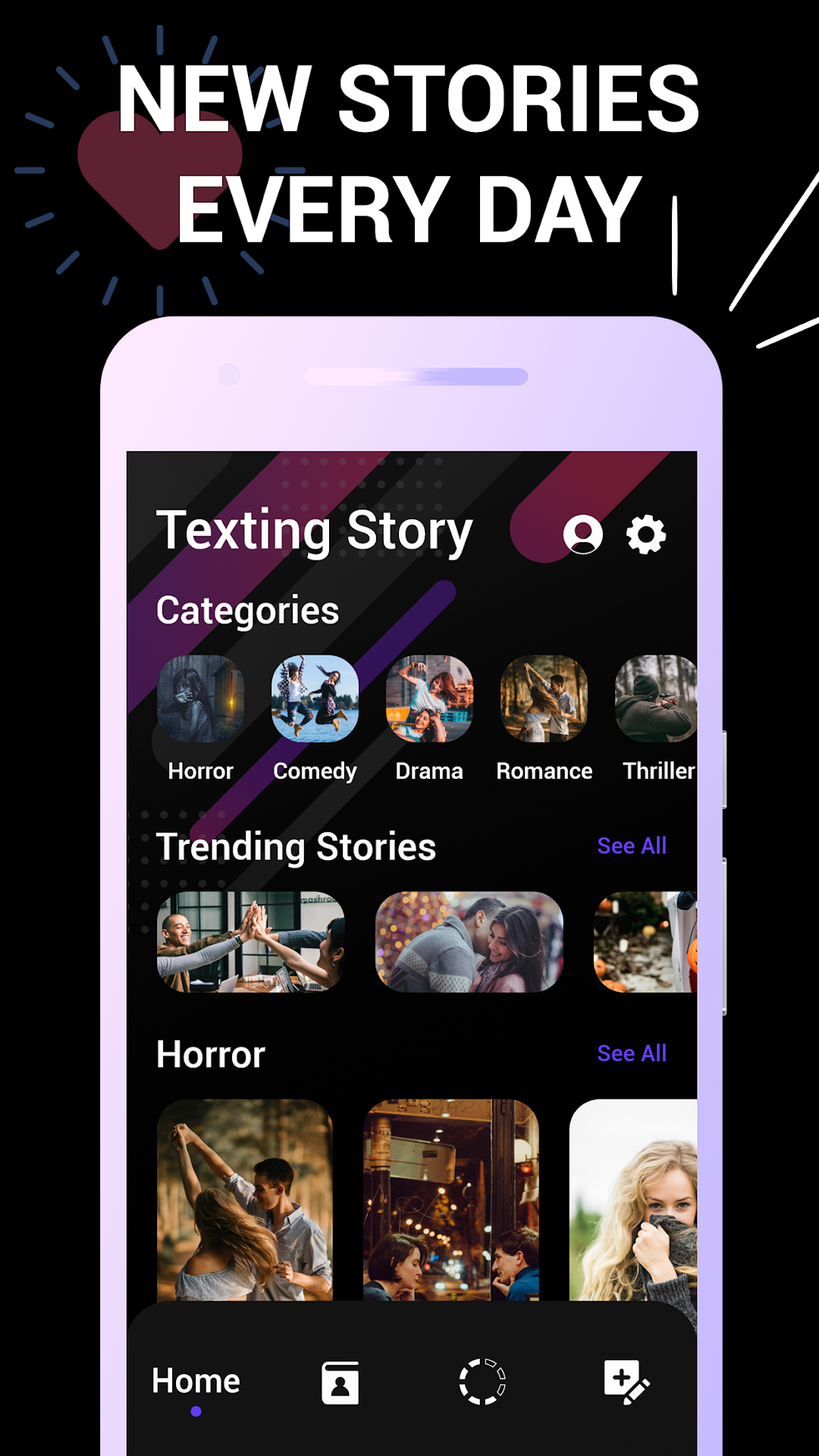
--Texting Stories--Not sure what kind of story you want to read today? Let us help you decide.
Choose from various category like Romantic, Horror, Comedy, Thriller and rest you get surprise yourself.. Just Visit the app..!!
Get more and more laughs with each tap to your screen with our variety of funny stories, or slowly unfold delightful mysteries with the great chat stories we offer to you to find out how fun reading could be.
• Write your own Text Stories with different genres as per you interest..
• Get access to a large list of creative and interesting stories we have created, and place you as the reader of someone else’s chat.
• Comedy, horror, drama, romance, and lots of different categories to don’t get bored when reading.
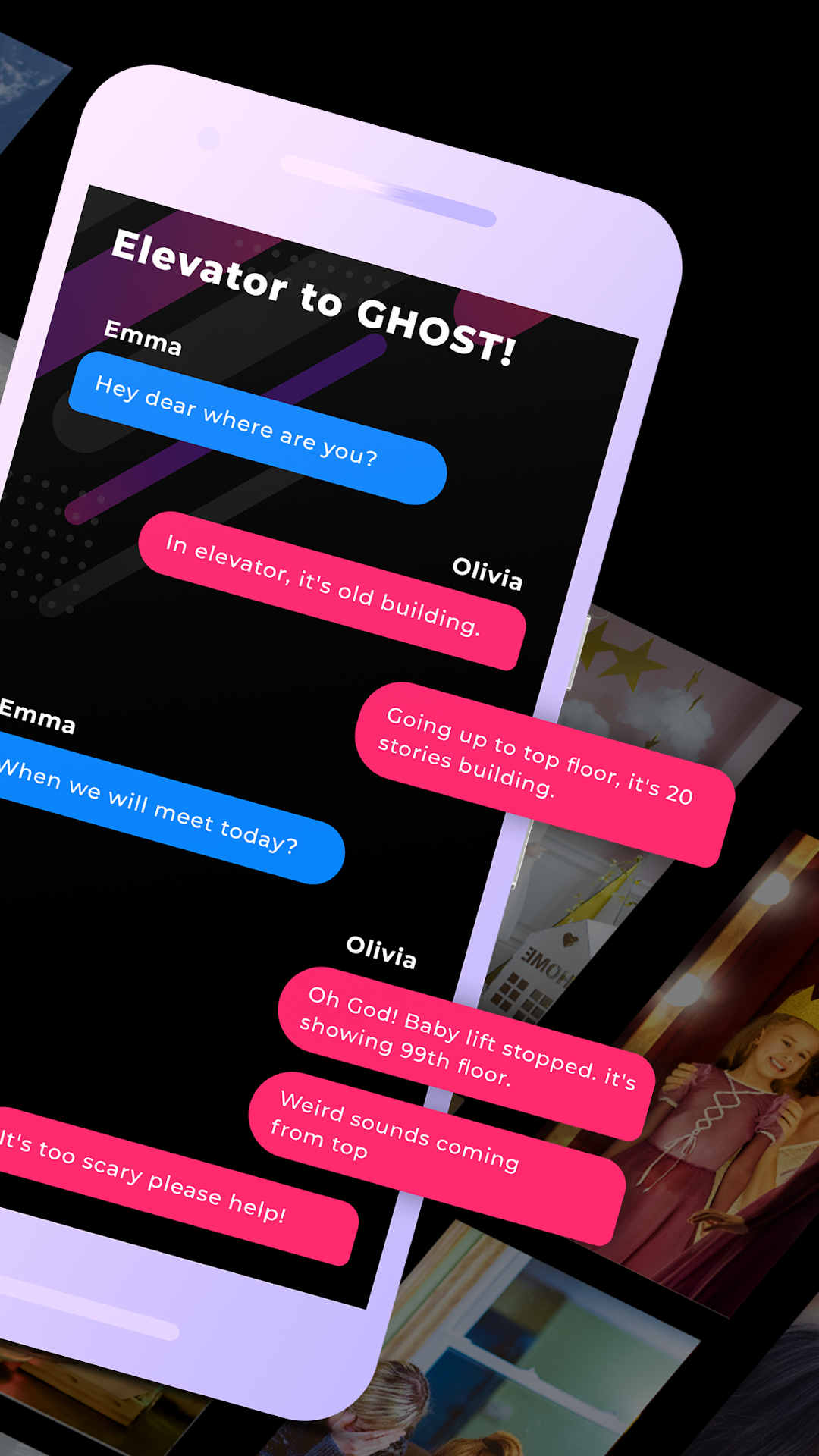
• Read Text Stories in chat conversation and enjoy the suspense it creates.
• Become a famous writer in our community by designing your own texting stories to show others what a good writer you are.
• Completely customize your creations by modifying chat's characters, profile pictures, colors, and everything you want to personalize.
• Create the most realistic texting stories adding photos, videos, and audios, and make your stories more interesting than ever before.
• Follow your favorite writers, and read their stories as many times as you want.
• Share your own creations with your friends, or suggest them those stories from other authors you consider amazing.