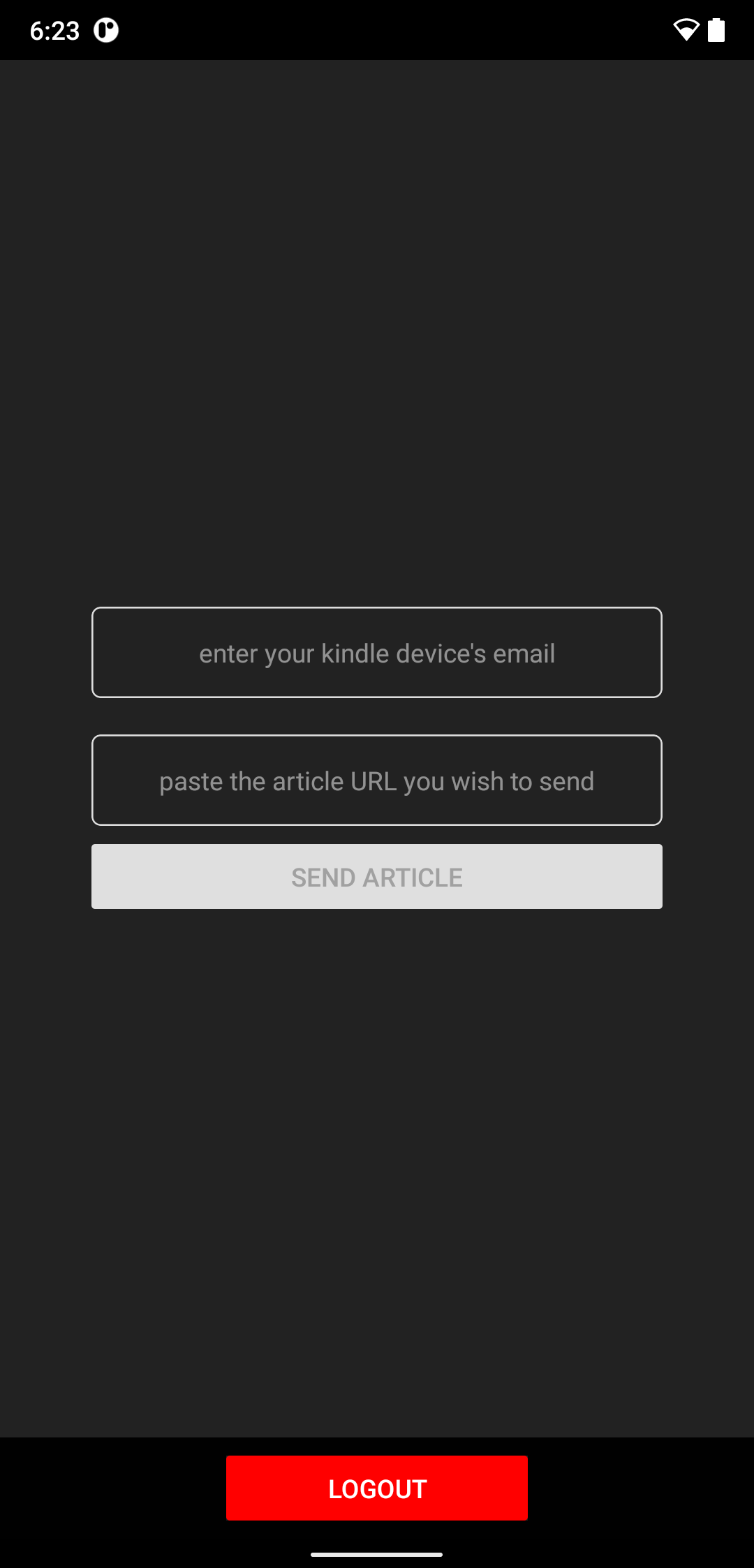
to kindle is a Tools application developed by athrv.k, but with the best Android emulator-LDPlayer, you can download and play to kindle on your computer.
Running to kindle on your computer allows you to browse clearly on a large screen, and controlling the application with a mouse and keyboard is much faster than using touchscreen, all while never having to worry about device battery issues.
With multi-instance and synchronization features, you can even run multiple applications and accounts on your PC.
And file sharing makes sharing images, videos, and files incredibly easy.
Download to kindle and run it on your PC. Enjoy the large screen and high-definition quality on your PC!
To Kindle is a must-have Android app for avid readers and Kindle enthusiasts looking to streamline their reading experience. This powerful tool allows users to instantly extract articles from any webpage and send them directly to their Kindle device, ensuring their favorite content is always accessible, even offline.Key Features:
> Effortless Article Extraction: With a single click, To Kindle smartly identifies the core content of an article, eliminating distractions like ads, pop ups, and irrelevant material. Enjoy a clean, focused reading experience tailored for your Kindle.
> One-Click Send to Kindle: Simplify your reading workflow with our one-click feature. After extracting the article, send it to your Kindle effortlessly. To Kindle takes care of the formatting and conversion, ensuring the article is perfectly optimized for your Kindle screen. It uses your Kindle devise's email address to send the article to your Kindle
> All Kindlers know how much they love the cover of the book are a reading. To Kindle creates a cover for your extracted Article and it will be a new one every time.
> Designed for the modern reader: To Kindle bridges the gap between web content and your Kindle, transforming how you discover, save, and enjoy articles. Whether it's long-form articles, news stories, or blog posts, To Kindle delivers a seamless reading experience directly to your e-reader.