V DOWNLOAD is a Tools application developed by IMS STUDIO, but with the best Android emulator-LDPlayer, you can download and play V DOWNLOAD on your computer.
Running V DOWNLOAD on your computer allows you to browse clearly on a large screen, and controlling the application with a mouse and keyboard is much faster than using touchscreen, all while never having to worry about device battery issues.
With multi-instance and synchronization features, you can even run multiple applications and accounts on your PC.
And file sharing makes sharing images, videos, and files incredibly easy.
Download V DOWNLOAD and run it on your PC. Enjoy the large screen and high-definition quality on your PC!
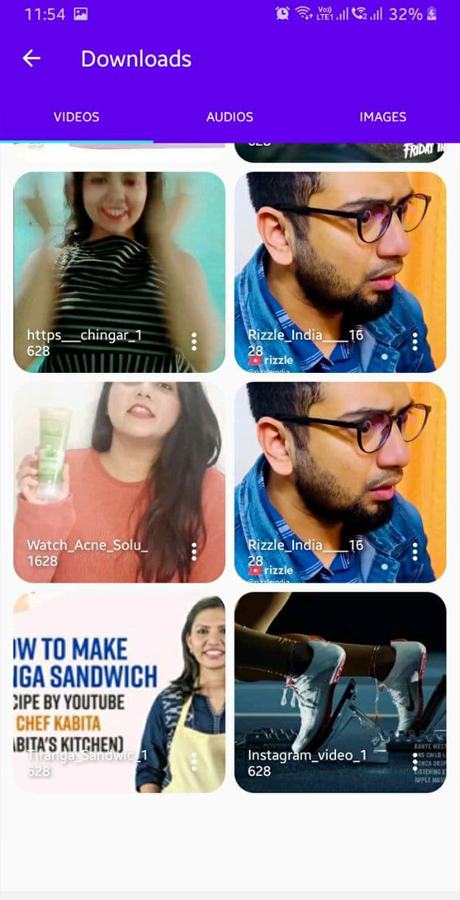
Our video downloader app is the perfect tool for anyone looking to download videos from various websites and social media platforms. With our app, you can easily download videos from popular platforms like Instagram , Facebook and more.The app is user-friendly and easy to navigate, making it simple for users of all levels to download their favorite videos. Simply copy the video link and paste it into our app, and the video will start downloading in no time.
Our app also offers various download options, including different video resolutions and formats, so you can choose the best quality for your device. Plus, you can download multiple videos at once, saving you time and effort.
Overall, our video downloader app is a must-have for anyone who wants to save their favorite videos for offline viewing. Try it out today and start downloading!