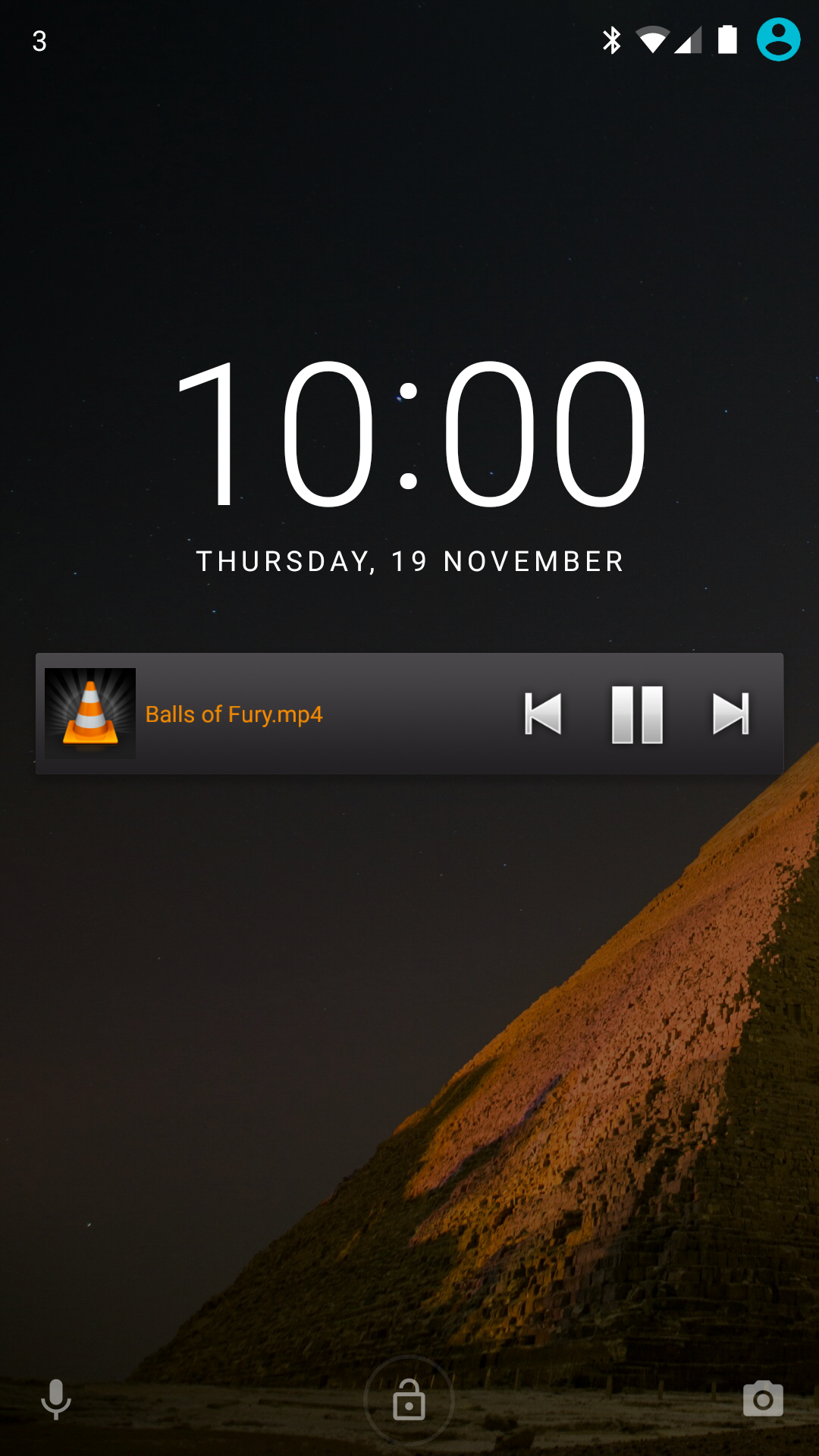
VLC Remote is a Video Players&Editors application developed by Hobbyist Software Ltd, but with the best Android emulator-LDPlayer, you can download and play VLC Remote on your computer.
Running VLC Remote on your computer allows you to browse clearly on a large screen, and controlling the application with a mouse and keyboard is much faster than using touchscreen, all while never having to worry about device battery issues.
With multi-instance and synchronization features, you can even run multiple applications and accounts on your PC.
And file sharing makes sharing images, videos, and files incredibly easy.
Download VLC Remote and run it on your PC. Enjoy the large screen and high-definition quality on your PC!
The most powerful Android VLC Remote is also the easiest to set up!VLC Remote lets you sit back enjoy your movies and music while you control things from your sofa.
Use our Free setup helper to configure VLC and connect your Android in a couple of button clicks.
✔ Easily control VLC from your sofa!
✔ Helper configures VLC automatically.
✔ Full browsing control (play any file from your computer)
✔ Full DVD controls
✔ Volume, position, track
✔ Turn fullscreen on and off
✔ Control subtitles, aspect ratio, audio track and delays
✔ Access external drives
• Reviews •
2011 Best Software Award in Multimedia by Handster
'Amazing remote. You can completely control vlc from the palm of your hand. ... highly recommend it if you are looking for a vlc remote.'
- AndroidApps