Volume Control -Custom Control is a Personalization application developed by Miled Apps Studio, but with the best Android emulator-LDPlayer, you can download and play Volume Control -Custom Control on your computer.
Running Volume Control -Custom Control on your computer allows you to browse clearly on a large screen, and controlling the application with a mouse and keyboard is much faster than using touchscreen, all while never having to worry about device battery issues.
With multi-instance and synchronization features, you can even run multiple applications and accounts on your PC.
And file sharing makes sharing images, videos, and files incredibly easy.
Download Volume Control -Custom Control and run it on your PC. Enjoy the large screen and high-definition quality on your PC!
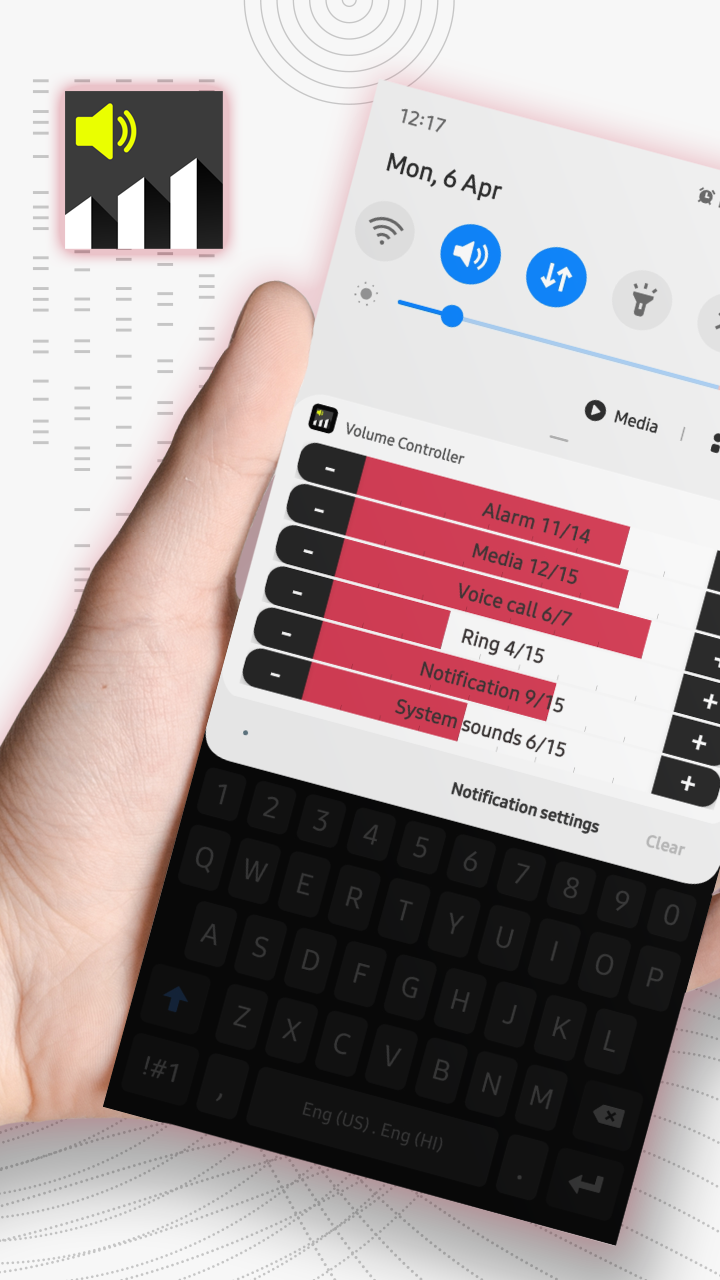
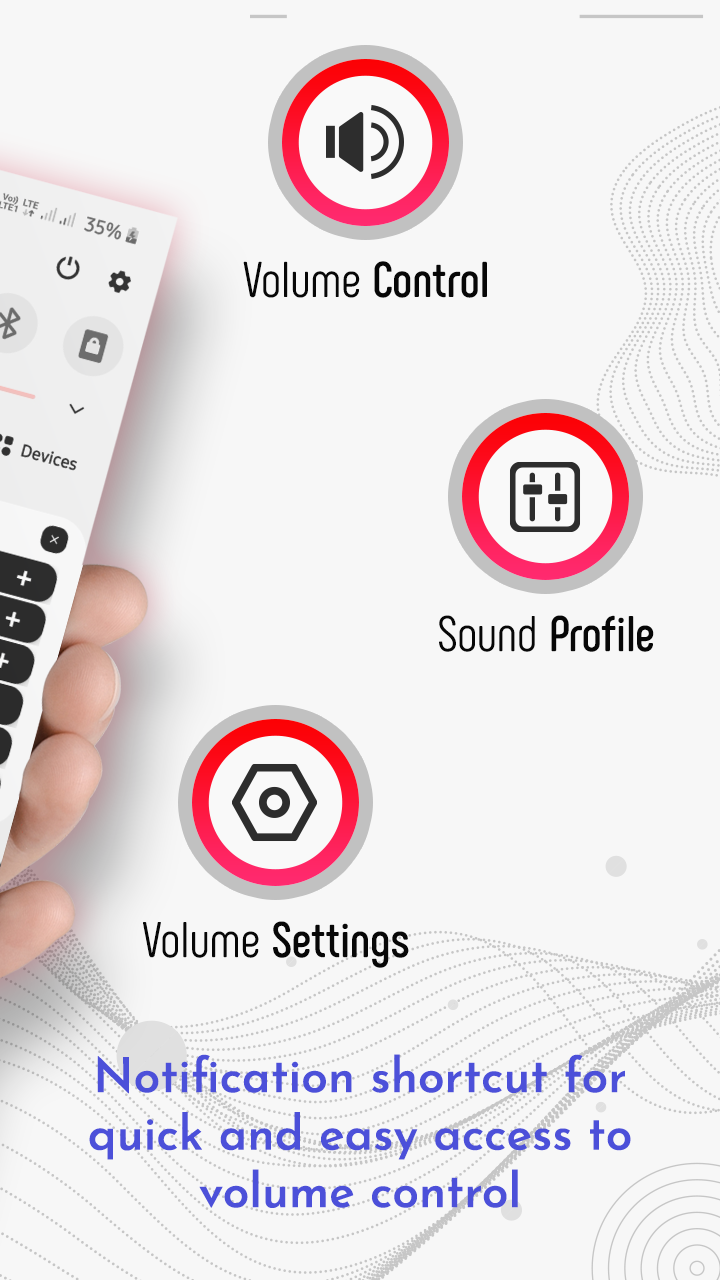
Volume Controller is an simple app that lets you take control of your device’s volume instead of being controlled by it! f your physical volume button is fail or you are uncomfortable to adjust volume by using physical volume button, “Volume Controller" is an application you would love!Volume Control app helps you to manage volume of our device from the notification bar only and no need to go to setting and all long process. Volume Control is extremely easy to use. Simply tweak existing or create new pre-defined volume profiles, and toggle between them with just a single touch. Individual profiles are comprised of: Alarm, Media, Ringer, Notification, Voice (in-call), Bluetooth and overall system volume.
Features of Volume Controller :-
- Adjust Music, Ring, Notification and Alarm volume with one step
- Click a volume icon to Mute or Unmute
- Swipe up of the screen to show adjustable volume bar
- Adjust separate volume control for Music, Ring, Notification and Alarm volume in application
Get All New Volume Controller app for FREE!!!