4Voice Communicator is a Communication application developed by 4Voice, but with the best Android emulator-LDPlayer, you can download and play 4Voice Communicator on your computer.
Running 4Voice Communicator on your computer allows you to browse clearly on a large screen, and controlling the application with a mouse and keyboard is much faster than using touchscreen, all while never having to worry about device battery issues.
With multi-instance and synchronization features, you can even run multiple applications and accounts on your PC.
And file sharing makes sharing images, videos, and files incredibly easy.
Download 4Voice Communicator and run it on your PC. Enjoy the large screen and high-definition quality on your PC!
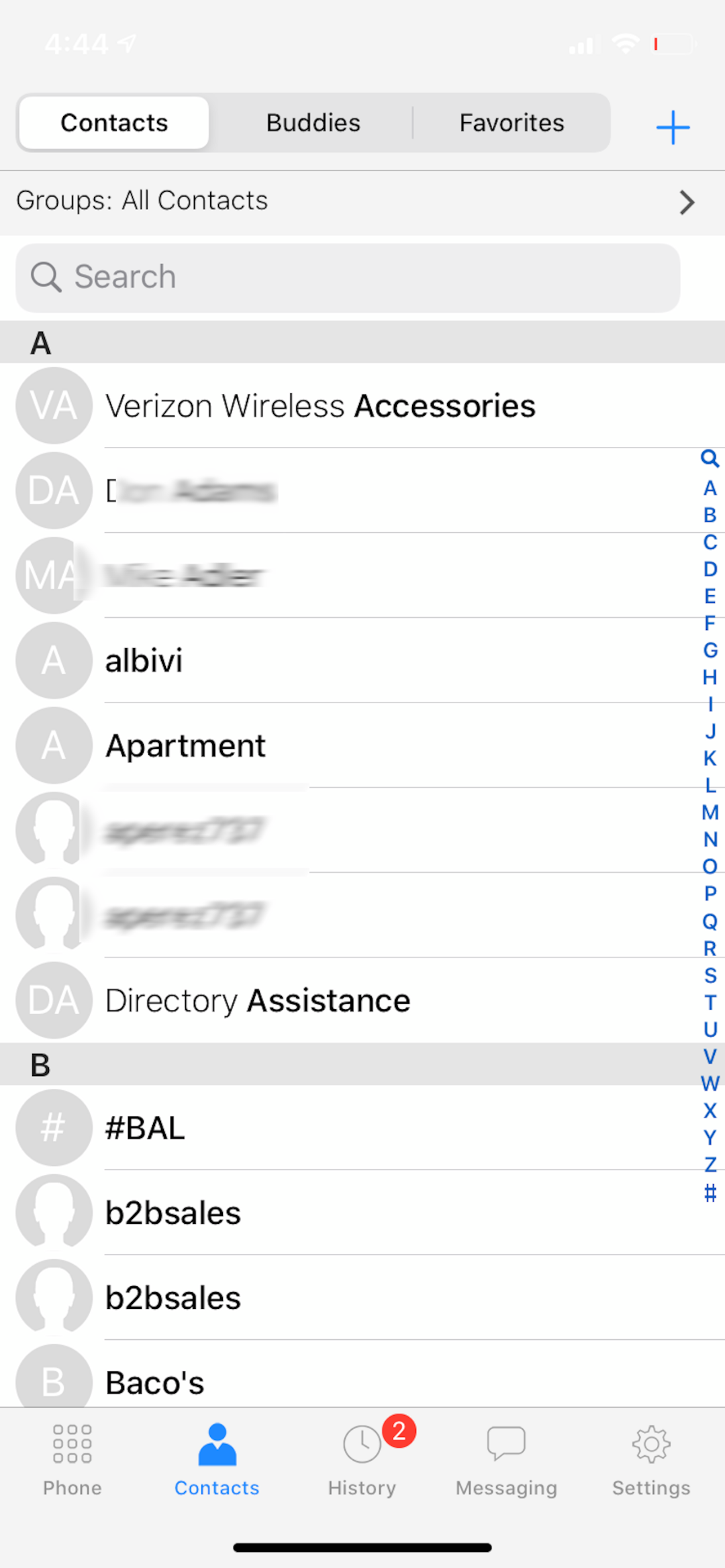
The 4Voice Communicator puts a full functional PBX softphone in your pocket. The Communicator operates over a WiFi or cellular data network, and provides both voice, XMPP messaging, and presence capabilities. With the Communicator, phone users can receive and make calls as if they are in the office,from anywhere. Customer Service agents can participate in Call center activities from home or a satellite location. Call transfers can be made using shorthand extensions to and from office phones and remote mobile users. The Communicator is easy to deploy: download from the Google Play Store, use the provided login credentials and you are in!.