Angelcam: Cloud Camera Viewer is a Tools application developed by Angelcam, but with the best Android emulator-LDPlayer, you can download and play Angelcam: Cloud Camera Viewer on your computer.
Running Angelcam: Cloud Camera Viewer on your computer allows you to browse clearly on a large screen, and controlling the application with a mouse and keyboard is much faster than using touchscreen, all while never having to worry about device battery issues.
With multi-instance and synchronization features, you can even run multiple applications and accounts on your PC.
And file sharing makes sharing images, videos, and files incredibly easy.
Download Angelcam: Cloud Camera Viewer and run it on your PC. Enjoy the large screen and high-definition quality on your PC!
The Angelcam app is a cloud-based IP camera viewer that enables you to monitor and control your home and/or business security. Thanks to its remote access, you can view all of your connected cameras, including CCTV and IP, from anywhere in the world. With Angelcam, there’s no need for an expensive camera system as you have all of the tools and functionality you need to keep what matters most always safe and secure no matter where you are.Angelcam’s 360° Real-Time Security allows for easy connection of the vast majority of alarms and sensors to Angelcam and provides a more comprehensive, truly real-time means of monitoring and investigating issues as soon as they arise. With it, users are empowered to react immediately, ensuring an optimal appropriate response and the end of false alarms for good.
Features:
LIVE VIDEO MONITORING
Access your cameras online anytime, from anywhere.
CONNECT ANY SENSOR/S
Connect and integrate any sensor/s to enhance your functionality.
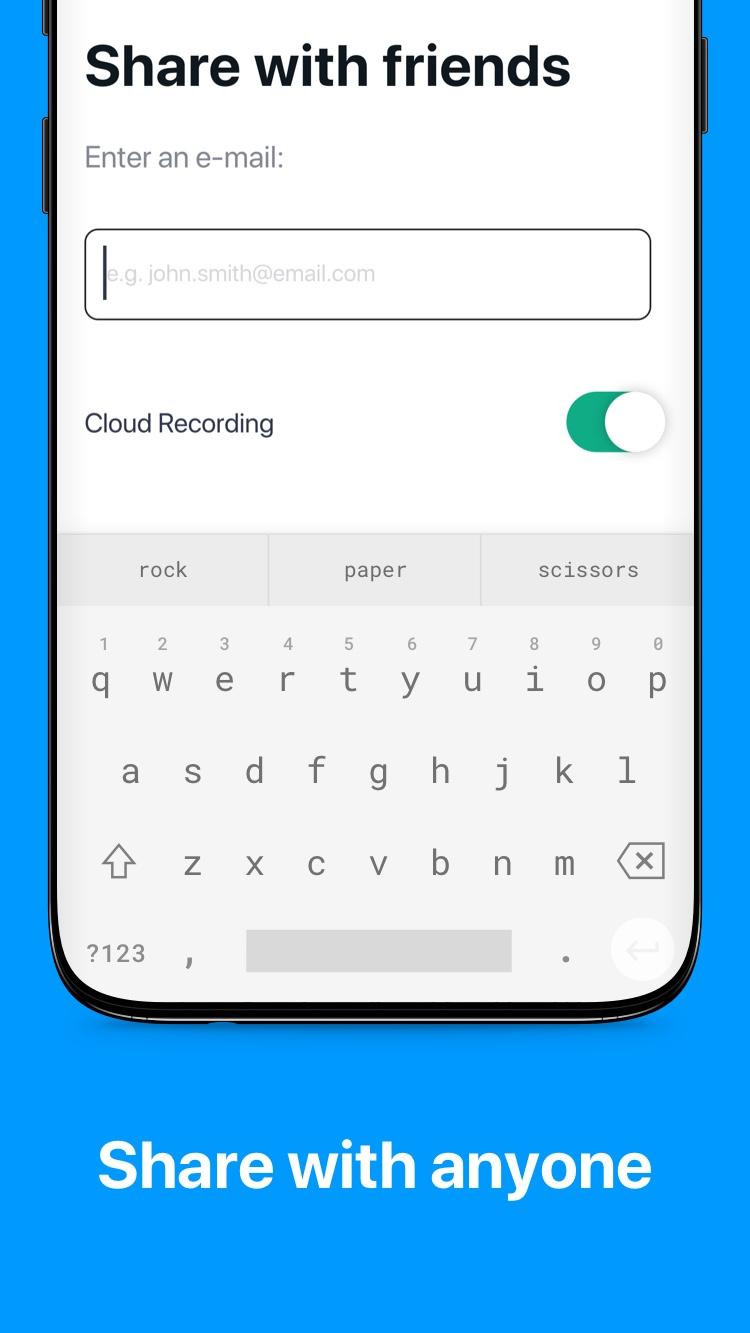
SHARE WITH ANYONE
Allow your family and friends access to a live view of your cameras and recordings.
CLOUD RECORDING
Back up your video to secure cloud storage (Cloud Recording subscription required).
CONNECT NEARLY ANY IP CAMERA
We support 90% of camera brands.
HELP IS ONE CLICK AWAY
Reach out to our friendly and knowledgeable support whenever you need or try our community support.
BANK-LEVEL ENCRYPTION
Rest assured knowing your camera feeds are secure and that only you, as well as the people you choose, can access them.
MULTI-CAMERA VIEW
Get an instant overview and immediate control of all your streams at once whether you have IP cameras or CCTV cameras (quality may vary based on your internet connection).
360° REAL-TIME SECURITY
Get a more comprehensive, real-time means of monitoring and investigating issues as soon as they arise, ensuring an optimal appropriate response and the end of false alarms for good.