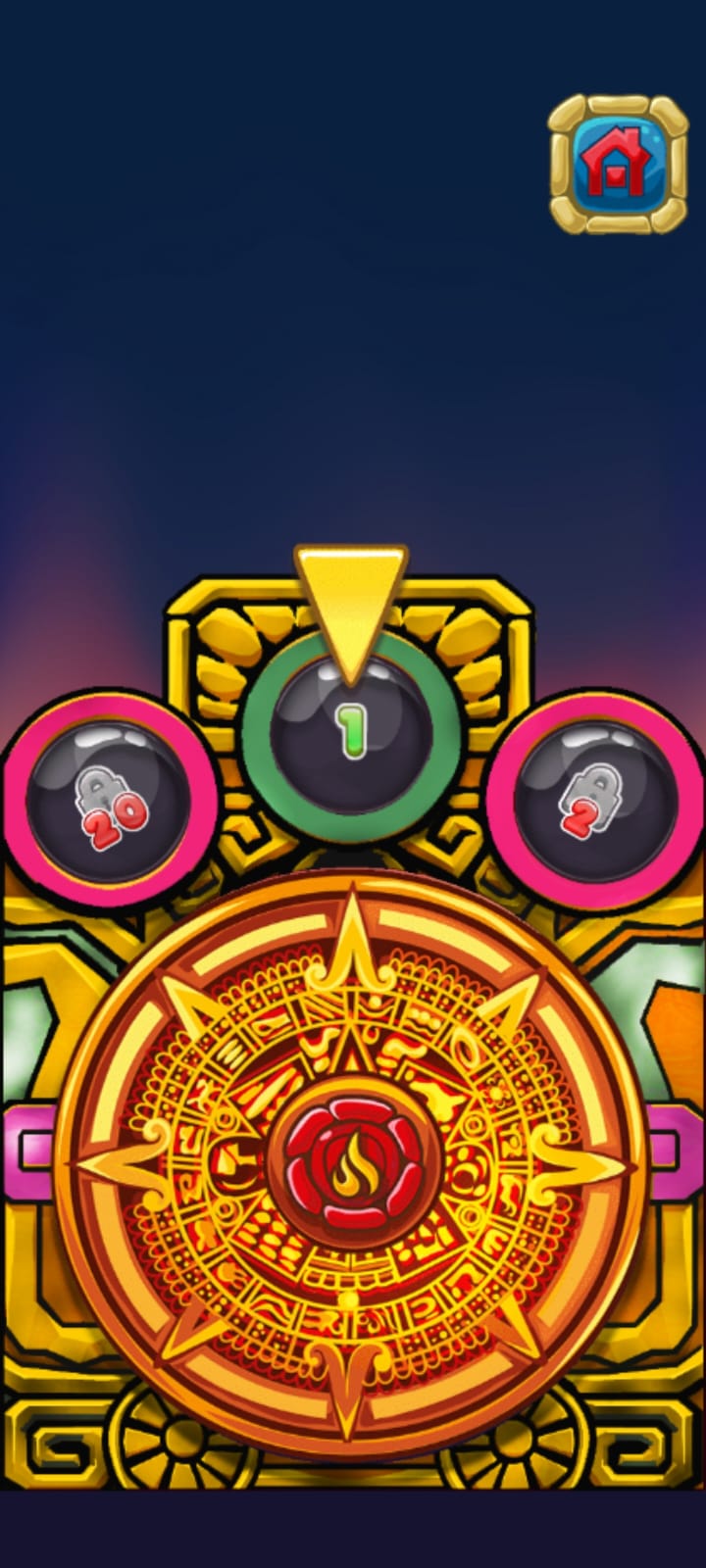
Bubble Smasher is a Puzzle application developed by Arsio, but with the best Android emulator-LDPlayer, you can download and play Bubble Smasher on your computer.
Running Bubble Smasher on your computer allows you to browse clearly on a large screen, and controlling the application with a mouse and keyboard is much faster than using touchscreen, all while never having to worry about device battery issues.
With multi-instance and synchronization features, you can even run multiple applications and accounts on your PC.
And file sharing makes sharing images, videos, and files incredibly easy.
Download Bubble Smasher and run it on your PC. Enjoy the large screen and high-definition quality on your PC!
Aim, match, and shoot colorful bubbles to create explosive chain reactions and clear the board. With addictive gameplay, vibrant graphics, and challenging levels, Bubble Smasher offers hours of fun and excitement. Strategize your shots, unleash powerful boosters, and see how high you can score in this addictive bubble shooter adventure.BUBBLE SMASHER FEATURES:
✔ Addictive Bubble Popping: Immerse yourself in the addictive gameplay of Bubble Smasher. Aim, shoot, and pop colorful bubbles in a satisfying and engaging experience that will keep you coming back for more.
✔ Challenging Levels: Test your bubble-popping skills with a variety of challenging levels. Each level presents unique obstacles and puzzles that will put your strategy and precision to the test.
✔ Power-Up Boosters: Unleash explosive power-ups to enhance your bubble-smashing abilities. Clear entire sections of bubbles, create massive combos, and achieve higher scores with strategically used boosters.
✔ Easy and Intuitive Controls: Enjoy smooth and easy controls designed for seamless bubble shooting. Simply aim, tap, and watch the bubbles burst as you progress through the levels.
✔ Play Anywhere, Anytime: Bubble Smasher is designed to be played on the go. Enjoy the game's addictive bubble-popping action wherever you are, whether it's during a quick break or a long journey.
✔ Free-to-Play: Bubble Smasher is free to download and play, offering hours of entertainment.
✔ Regular Updates: Expect regular updates with new levels, challenges, and exciting features to keep the bubble-popping adventure fresh and exciting.
Prepare for bubble-popping frenzy and become the ultimate Bubble Smasher master!