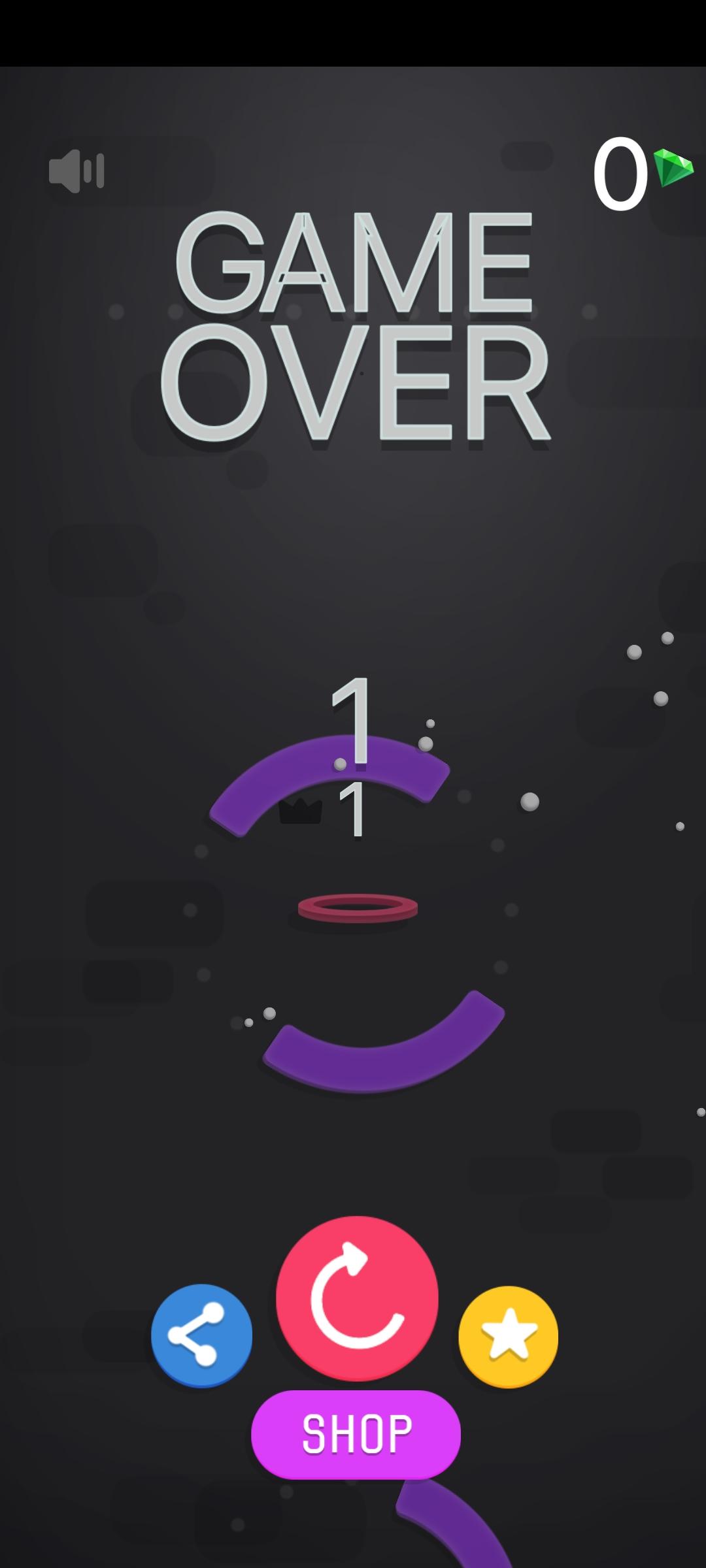
Drop Ball is a Arcade application developed by SkyDynamics Digital, but with the best Android emulator-LDPlayer, you can download and play Drop Ball on your computer.
Running Drop Ball on your computer allows you to browse clearly on a large screen, and controlling the application with a mouse and keyboard is much faster than using touchscreen, all while never having to worry about device battery issues.
With multi-instance and synchronization features, you can even run multiple applications and accounts on your PC.
And file sharing makes sharing images, videos, and files incredibly easy.
Download Drop Ball and run it on your PC. Enjoy the large screen and high-definition quality on your PC!
Get ready for a thrilling adventure with Drop Ball! 🎮 Dive into a vibrant world where your reflexes and skills are put to the ultimate test.Gameplay Features:
⚡ Catch the Ball: Guide the falling ball through exciting levels filled with challenges.
⚠️ Dodge Obstacles: Avoid a variety of tricky obstacles and traps that will test your timing and precision.
✨ Collect Bonuses: Snag shiny bonuses along the way to boost your score and unlock special power-ups!
Why You’ll Love It:
🌟 Endless Fun: With an engaging gameplay loop, Drop Ball is perfect for players of all ages!
👥 Challenge Friends: Compete with friends and family to see who can achieve the highest score!
🎶 Dynamic Soundtrack: Enjoy an upbeat soundtrack that keeps you energized as you play.
Are you ready to bounce your way to victory? Download Drop Ball now and embark on an unforgettable journey!