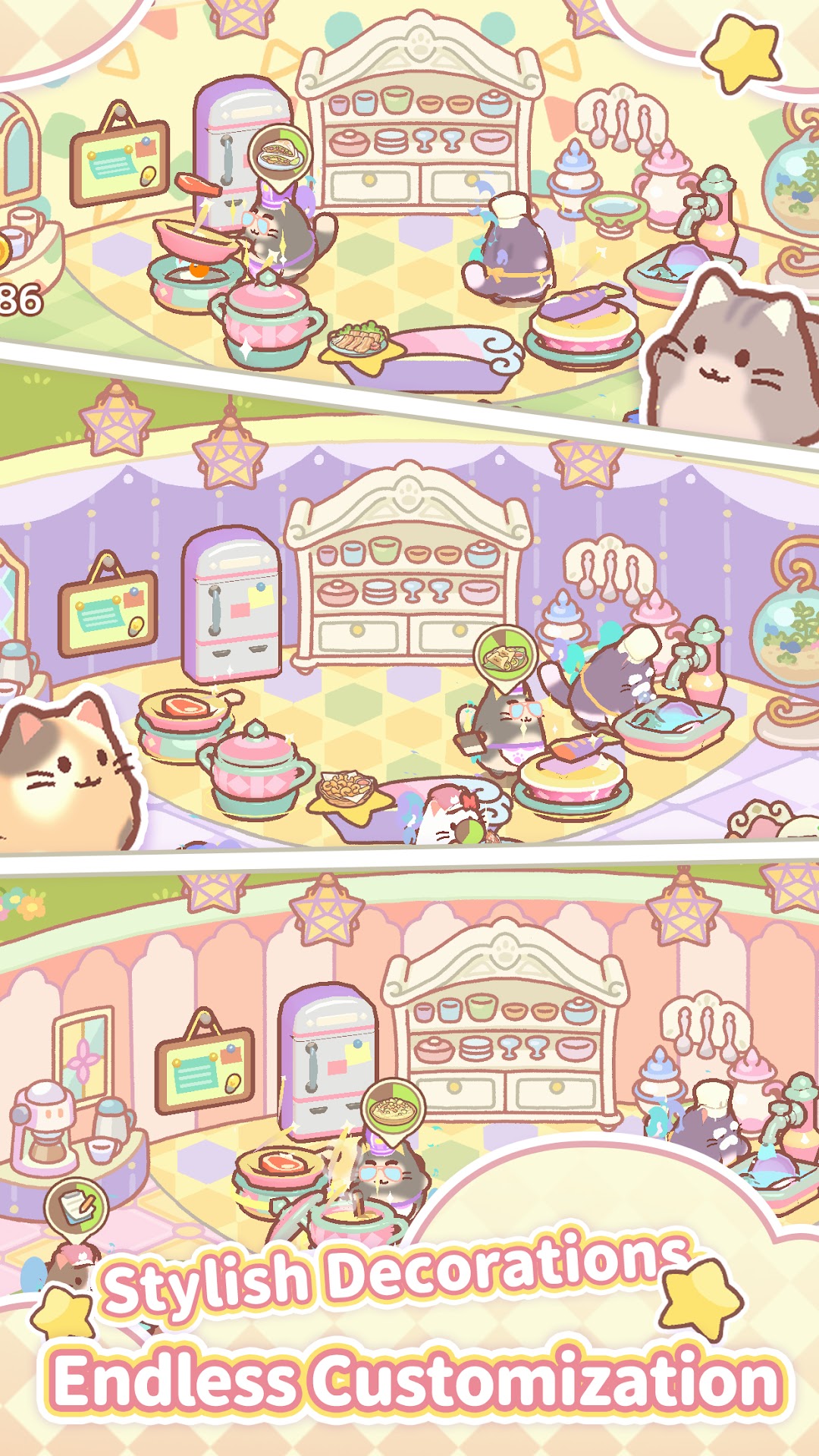
Cooking Cat is a Casual game developed by CC Games Studio. LDPlayer is the best platform for playing Cooking Cat on Windows PC, offering powerful features to enhance your immersive experience in Cooking Cat.
When playing Cooking Cat on your computer, if you find repetitive actions or tasks tedious and time-consuming, fret not! Macro can alleviate your concerns. Simply record your actions with a click of the screen recording feature and let macros take care of the rest. Macros automate your operations, allowing you to effortlessly conquer the game with minimal effort! Start downloading and playing Cooking Cat on your computer now!
Welcome to Cooking Cat, the ultimate casual simulation game where you run your very own cat-themed restaurant! In this delightful game, all the characters are charming feline friends, and your goal is to create a thriving eatery with their help.Game Features:
1. Manage Your Own Restaurant:
Start with a humble eatery and turn it into a bustling cat café. Design and decorate your restaurant to attract more customers and make it a cozy place for everyone.
2. Recruit Adorable Cat Staff:
Hire a variety of cute and hardworking cat employees, each with unique skills and personalities. Train them to improve their abilities and efficiency in the kitchen and service areas.
3. Cook Delicious Dishes:
Craft a wide range of delectable dishes using fresh ingredients. Experiment with recipes to create new and exciting menu items that will keep your customers coming back for more.
4. Expand and Upgrade:
Grow your restaurant by expanding its space and upgrading your equipment. Invest in better tools and facilities to enhance your cooking capabilities and service quality.
5. Engaging Storyline:
Follow a heartwarming story as you interact with your feline staff and customers. Discover their backgrounds and build meaningful relationships with them.
6. Fun and Relaxing Gameplay:
Enjoy a casual and relaxing gameplay experience perfect for players of all ages. Take your time to develop your restaurant at your own pace without any rush.