GPK Games is a Sports game developed by Andrea Fusi. LDPlayer is the best platform for playing GPK Games on Windows PC, offering powerful features to enhance your immersive experience in GPK Games.
When playing GPK Games on your computer, the larger screen and more powerful graphics performance enable you to enjoy clearer and smoother game visuals, enhancing the visual experience of the game.
The operation of peripherals such as gamepads is emulated to better mimic the feel of real sports, providing more precise control and richer operation options.
Furthermore, if you wish to execute a series of continuous key combinations, the one-click macro feature will be the functionality you've been dreaming of, allowing you to effortlessly stay one step ahead with one-touch operation. Start downloading and playing GPK Games on your computer now!
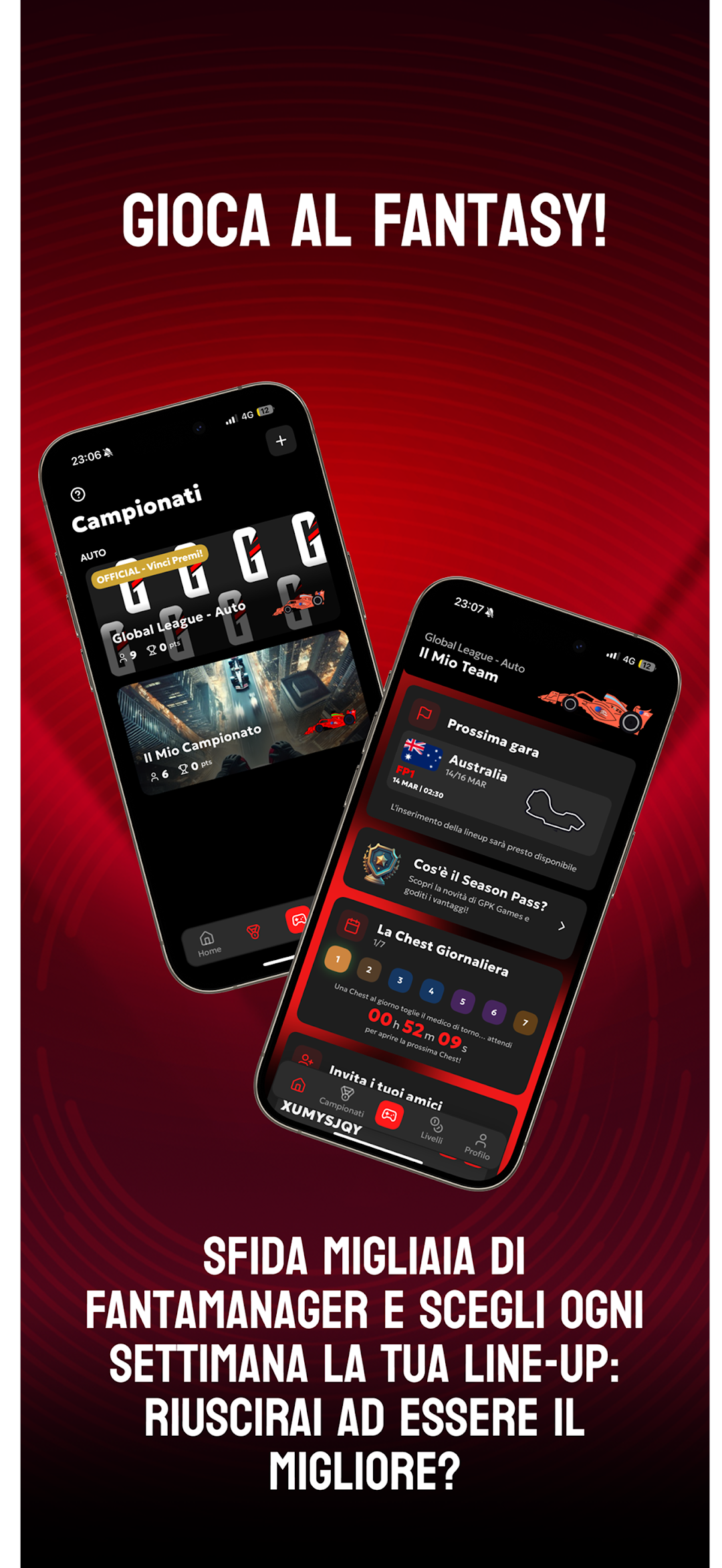
Here is GPK Games, the new GPKingdom APP! Play the FANTASY GAME now for both the Car and Motorcycle categories! Challenge your friends in the Championships and prove who the best Fantasy Manager is!Create or join a CHAMPIONSHIP to start playing: customize your livery by choosing the colours, tyres, design and sponsor of your car or motorbike.
Challenge thousands of Fantamanagers: deploy your line-up before each race weekend and score as many points as possible. But be careful: if your drivers do poorly, you will lose points!
SEASON PASS
Earn GPCoin, unlock new rewards and open a daily chest with exclusive rewards every day! Complete daily missions to get extra XP and GPCoins!
CUSTOMIZE your PROFILE
Choose avatars, badges, labels and backgrounds to make your experience on GPK Games unique! Get new items with the Season Pass or purchase them with GPCoins and show them to the community!
———————————————————
*GPKingdom is not affiliated, associated, authorized, or in any way officially connected with any championship, driver, team, or federation mentioned within the App, including but not limited to Formula 1 (FIA Formula One World Championship), Formula 2, F1 Academy, MotoGP, WEC (FIA World Endurance Championship), or Formula E.
All references to names, trademarks, logos, images, drivers, teams, circuits, or other third-party intellectual properties within the App are used solely for entertainment, informational, and recognition purposes. These references do not imply any affiliation, sponsorship, or endorsement by the respective owners.
GPKingdom is an independent application, developed autonomously, with no official involvement with the aforementioned entities.
Terms of Use: https://www.apple.com/legal/internet-services/itunes/dev/stdeula/