


Use LDPlayer to Play Interstellar Breakout on PC
Interstellar Breakout is a Casual game developed by OctopusMD. LDPlayer is the best platform for playing Interstellar Breakout on Windows PC, offering powerful features to enhance your immersive experience in Interstellar Breakout.
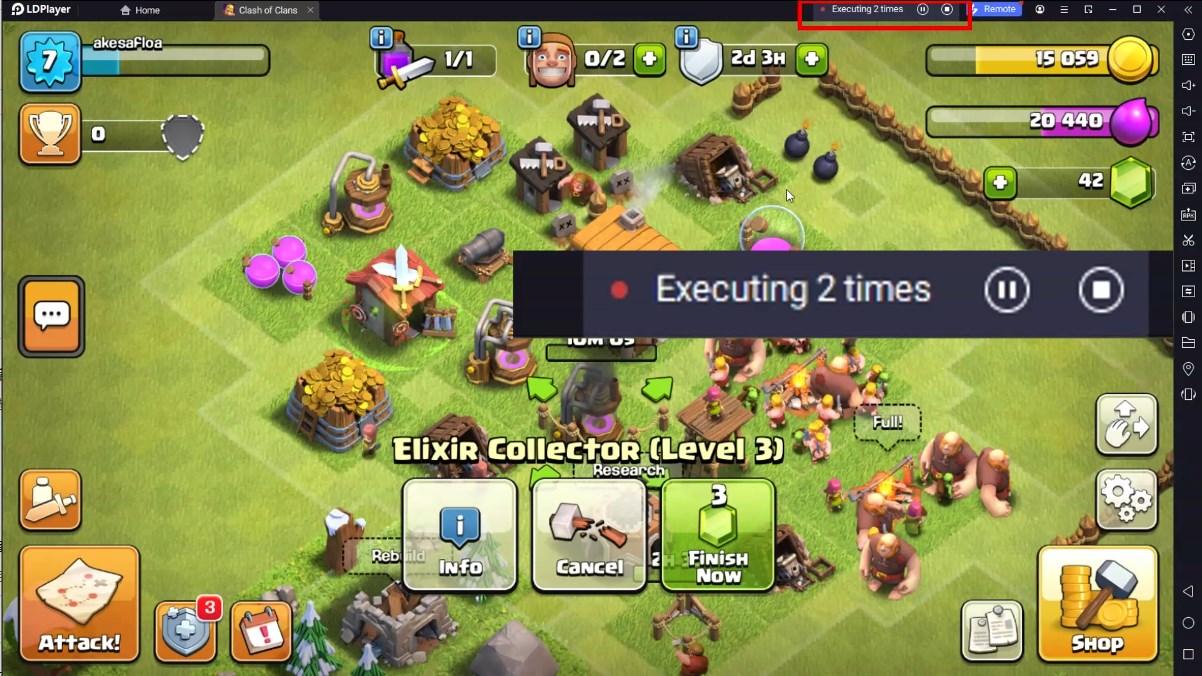
When playing Interstellar Breakout on your computer, if you find repetitive actions or tasks tedious and time-consuming, fret not! Macro can alleviate your concerns. Simply record your actions with a click of the screen recording feature and let macros take care of the rest. Macros automate your operations, allowing you to effortlessly conquer the game with minimal effort! Start downloading and playing Interstellar Breakout on your computer now!
Interstellar Breakout GameIn a turbulent period filled with alien invaders, players will transform into brave pilots, piloting high-tech fighter jets to defend the Earth from the invasion of alien forces. As a commander of a fighter jet, players will face a constant stream of challenges.
Game objectives
Players need to use precise shooting and flexible control to eliminate enemy planes, collect various props, and ultimately destroy the final boss.
Main gameplay
Flight control: Players can control the movement and shooting of fighter jets through simple touch controls, experiencing smooth flight battles.
Diverse Enemies: There are various enemy planes and bosses in the game, each with different attack modes, and players need to use different tactics to deal with them.
Game Features
Exquisite visuals: stunning special effects and delicate scene design provide an immersive gaming experience.
Rich prop system: Players can obtain various props in battles, such as ammunition supplies, super weapons, etc., increasing the fun and strategic nature of the game.
Sound effects and music
The game is paired with passionate background music and realistic sound effects to enhance the tension of battles and increase players' immersion.
summary
Interstellar Breakout is an exciting flying shooting game that combines exhilarating battles and rich strategic elements. Players need to operate fighter jets to shoot accurately, respond flexibly to enemies, and safeguard the peace of the earth. Come and join this aerial battle!
Screenshots and Videos of Interstellar Breakout PC


Why Play Interstellar Breakout on PC with LDPlayer?
How to Download Interstellar Breakout on PC?
Download and install LDPlayer on your computer
Locate the Play Store in LDPlayer's system apps, launch it, and sign in to your Google account
Enter "Interstellar Breakout" into the search bar and search for it
Choose and install Interstellar Breakout from the search results
Once the download and installation are complete, return to the LDPlayer home screen
Click on the game icon on the LDPlayer home screen to start enjoying the exciting game
If you've already downloaded the APK file from another source, simply open LDPlayer and drag the APK file directly into the emulator.
If you've downloaded an XAPK file from another source, please refer to the tutorial for installation instructions.
If you've obtained both an APK file and OBB data from another source, please refer to the tutorial for installation instructions.