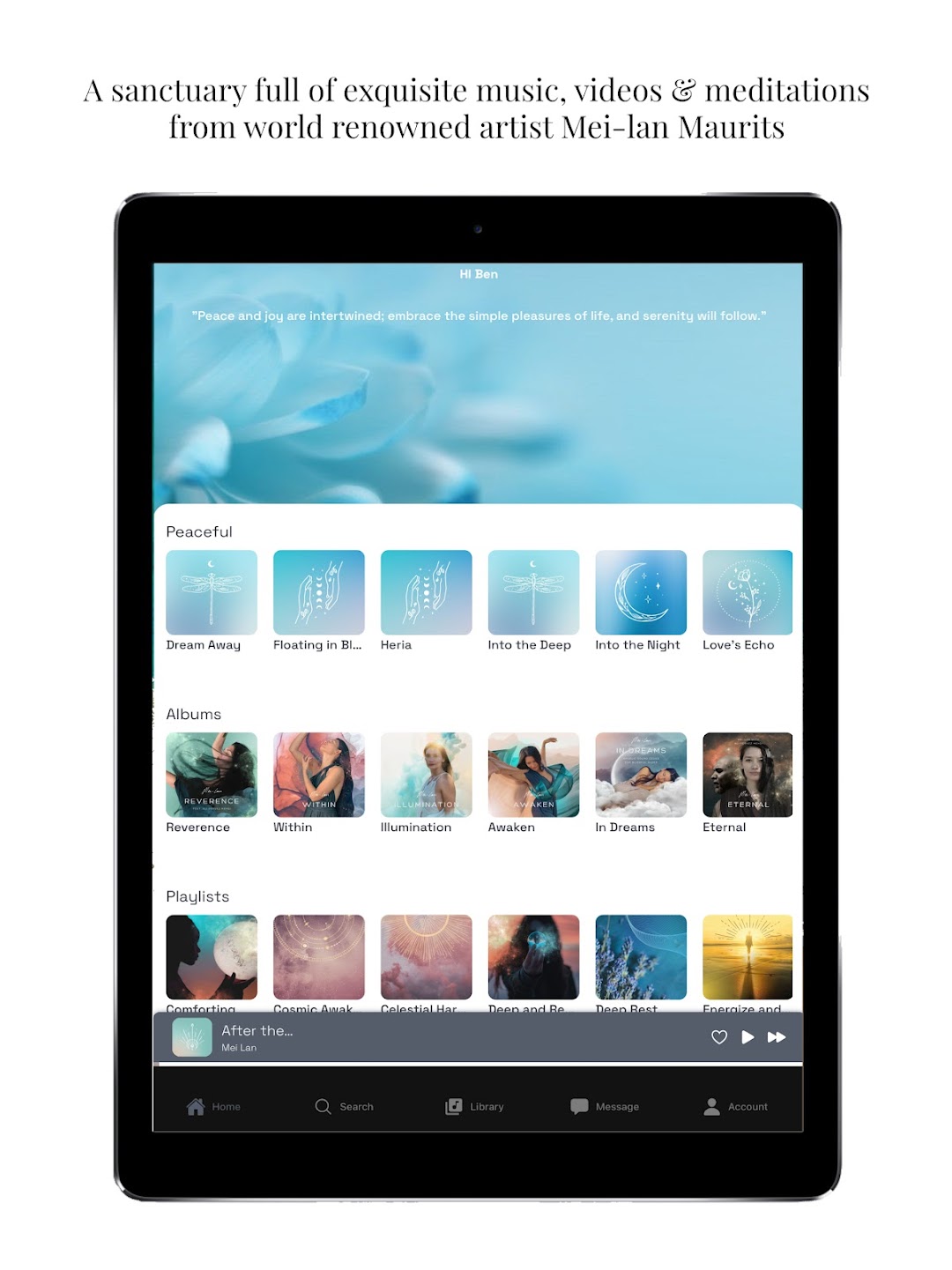


Mei-lan is a Music&Audio application developed by Mei-lan Maurits LLC, but with the best Android emulator-LDPlayer, you can download and play Mei-lan on your computer.
Running Mei-lan on your computer allows you to browse clearly on a large screen, and controlling the application with a mouse and keyboard is much faster than using touchscreen, all while never having to worry about device battery issues.
With multi-instance and synchronization features, you can even run multiple applications and accounts on your PC.
And file sharing makes sharing images, videos, and files incredibly easy.
Download Mei-lan and run it on your PC. Enjoy the large screen and high-definition quality on your PC!
By entering into this space you are freeing yourself from the hold of negativity and allowing your natural essence, which is bright, beautiful, and powerful, to unfold. If you are stuck in a cycle of stress, anxiety, and overwhelm, or want to feel that special connection to the Divine, the Music Sanctuary App is the place for you, as it will instantly elevate your state of being.The intention of this Music Sanctuary is to help you reach a higher level of consciousness to live a happier, more authentic life and embody your soul purpose. You'll have an Immediate connection to all of Mei-lan’s creations, access to new songs and meditations, over 3,000 minutes of music, receive early access to all new launches and music, explore playlists of music you’ve never heard before, and specially curated playlists to balance every part of your being.
Rise into a higher frequency. Open your heart to love. Connect to Source. Enter the Music Sanctuary