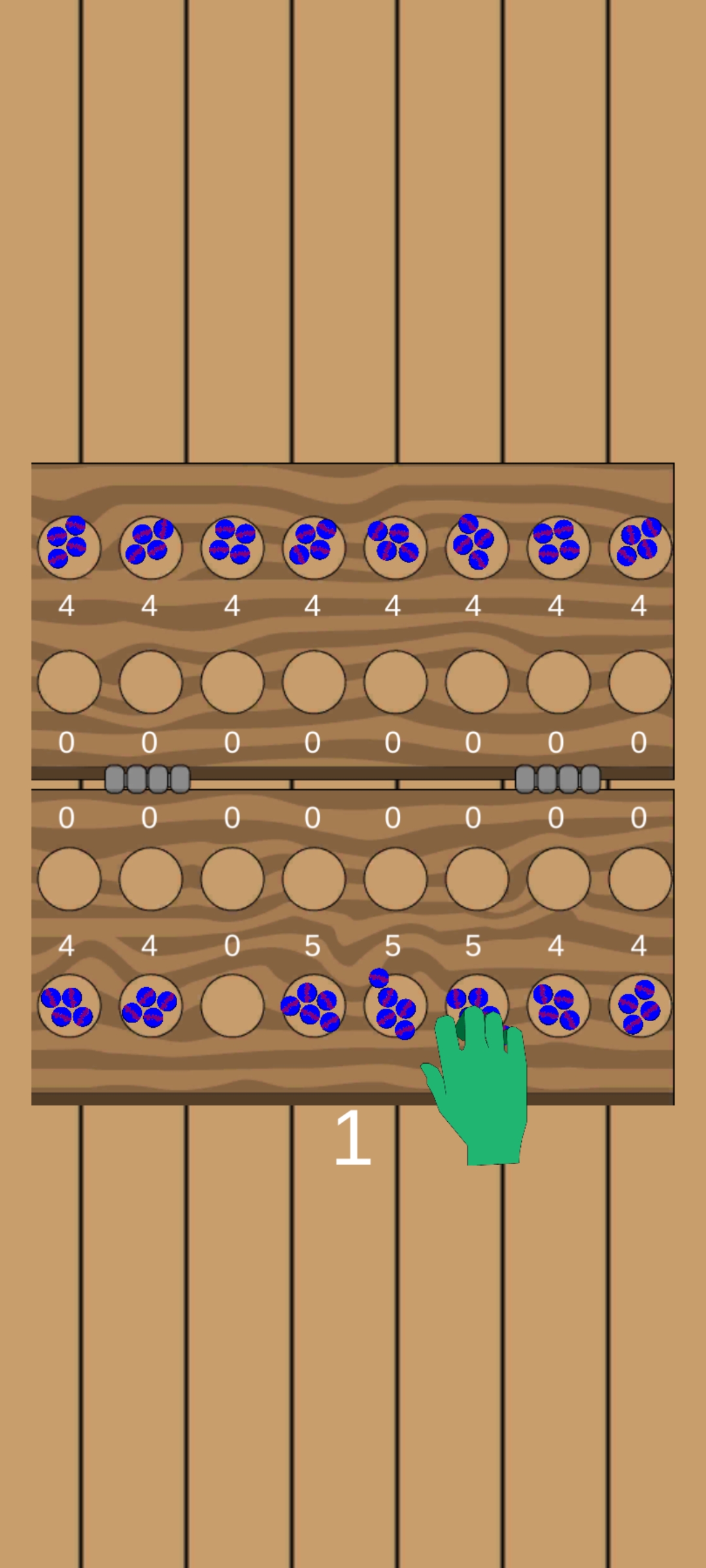
Omweso is a Board application developed by Bulamu Games, but with the best Android emulator-LDPlayer, you can download and play Omweso on your computer.
Running Omweso on your computer allows you to browse clearly on a large screen, and controlling the application with a mouse and keyboard is much faster than using touchscreen, all while never having to worry about device battery issues.
With multi-instance and synchronization features, you can even run multiple applications and accounts on your PC.
And file sharing makes sharing images, videos, and files incredibly easy.
Download Omweso and run it on your PC. Enjoy the large screen and high-definition quality on your PC!
Omweso also known as Mweso is a board game from Uganda (in Africa). It is a very hard and fast game said to keep one's mind active, which can make it addictive.How to play
Play consists of turns, each move may involve several laps. A player moves by selecting a pit with at least two seeds, and sowing them one by one around their side of the board in a counter-clockwise direction from the starting pit. The player may only sow from one of the sixteen pits in their territory, and the sowing proceeds around this territory, not directly involving the opponent's side.
If the last sowed seed lands in an occupied pit then all seeds in that pit, including the one just placed, are immediately sown, before the opponent's turn. This continues until the last sowing ends in an empty pit.
If the last seed sown lands in one of the player's eight inner pits, which is occupied, and furthermore both the opponent's pits in this same column are occupied, then all seeds from these two pits are captured and sown starting from the pit where this capturing lap began
Instead of sowing in a counter-clockwise direction, a player may sow clockwise from any of their four leftmost pits if this results in a capture. Upon re-entering these reverse-captured seeds, the player may sow them clockwise again, if and only if this play results in a direct capture. The player may also choose to sow reverse-captured seeds in the usual counter-clockwise manner, and there is no compulsion to play one direction or the other when the choice is available. During a relay-sowing move, one lap of which ends at one of the four leftmost pits, a player may also change direction and begin sowing the next leg of the move clockwise, if and only if this play results in a direct capture.