Pixel Worlds: MMO Sandbox is a Adventure application developed by Social First Oy, but with the best Android emulator-LDPlayer, you can download and play Pixel Worlds: MMO Sandbox on your computer.
Running Pixel Worlds: MMO Sandbox on your computer allows you to browse clearly on a large screen, and controlling the application with a mouse and keyboard is much faster than using touchscreen, all while never having to worry about device battery issues.
With multi-instance and synchronization features, you can even run multiple applications and accounts on your PC.
And file sharing makes sharing images, videos, and files incredibly easy.
Download Pixel Worlds: MMO Sandbox and run it on your PC. Enjoy the large screen and high-definition quality on your PC!
Pixel Worlds is back.Built by many of the original developers, Pixel Worlds returns as a free-to-play online sandbox MMO where players create, trade, explore, and shape the game together.
This is a fresh start for everyone — with progression and the in-game economy reset to create a fair and stable foundation for the future.
BUILD
- Create your own worlds — from parkour and adventure maps to farms, social hubs, and more
- Mine resources and craft blocks, props, and items to shape your world
- Build spaces for others to explore, play, and interact
CUSTOMIZE
- Create your own unique look with a wide range of items
- Craft, trade, and collect gear, outfits, and accessories
- Discover new styles through gameplay and the player-driven economy
ADVENTURE
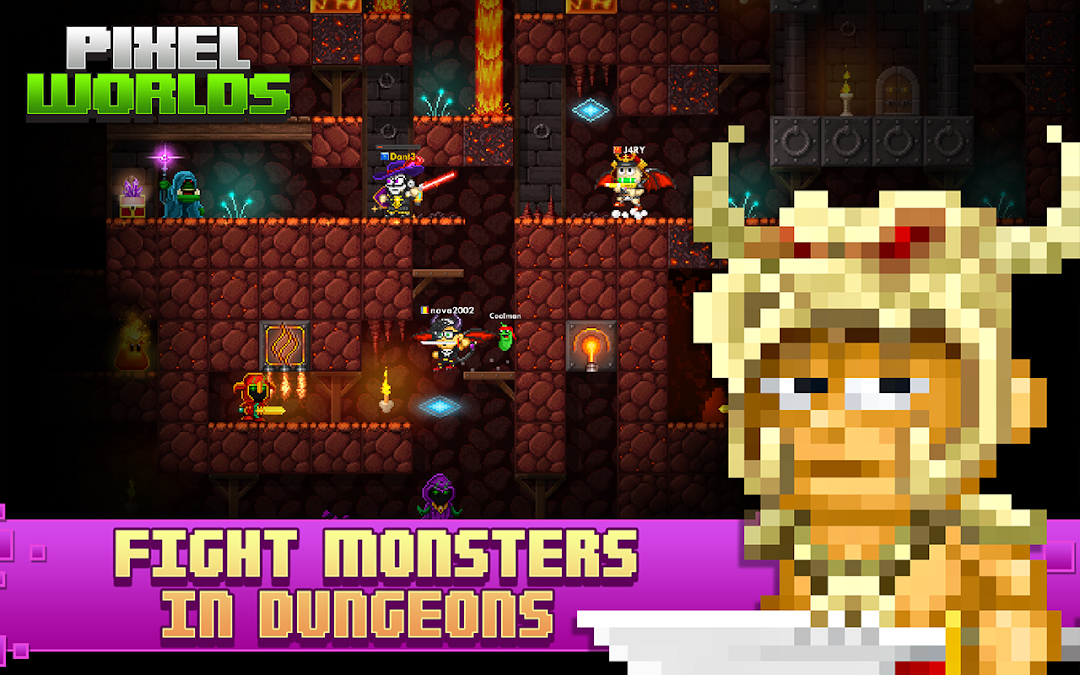
- Explore dungeons, fight enemies, and collect rewards
- Progress your character and unlock stronger items over time
FARM
- You can crossbreed, farm, grow and combine almost anything in Pixel Worlds. Building blocks, furniture, tools, items, weapons and even clothes.
- While farming you also get gems and collect items. Use them to buy, trade and craft other items,
TRADE
- A fully player-driven economy
- Trade items, gear, and worlds with other players
- Value is shaped by the community — not fixed systems
* But be careful! Other players will try to profit from the trade as well so make sure you won’t get scammed! *
PLAY TOGETHER
- Explore worlds created by other players
- Take part in community-made games and activities
- Build, trade, and play together in a shared online world
FISHING
- Compete in weekly fishing tournaments to win huge prices and get gems.
- Get gems by selling the fish or use them to craft new fishing gear to catch even bigger and more valuable fish!
PLAY ANYWHERE
- Available on mobile and PC
- Play with friends across platforms
COMMUNITY FIRST
Pixel Worlds has always been shaped by its players.
This relaunch focuses on:
- Fair progression
- A stable in-game economy
- A stronger foundation for long-term play
We’re rebuilding the game together — with the community at its core.