

Puzzify: Word Games is a Word application developed by Daniel J Earle, but with the best Android emulator-LDPlayer, you can download and play Puzzify: Word Games on your computer.
Running Puzzify: Word Games on your computer allows you to browse clearly on a large screen, and controlling the application with a mouse and keyboard is much faster than using touchscreen, all while never having to worry about device battery issues.
With multi-instance and synchronization features, you can even run multiple applications and accounts on your PC.
And file sharing makes sharing images, videos, and files incredibly easy.
Download Puzzify: Word Games and run it on your PC. Enjoy the large screen and high-definition quality on your PC!
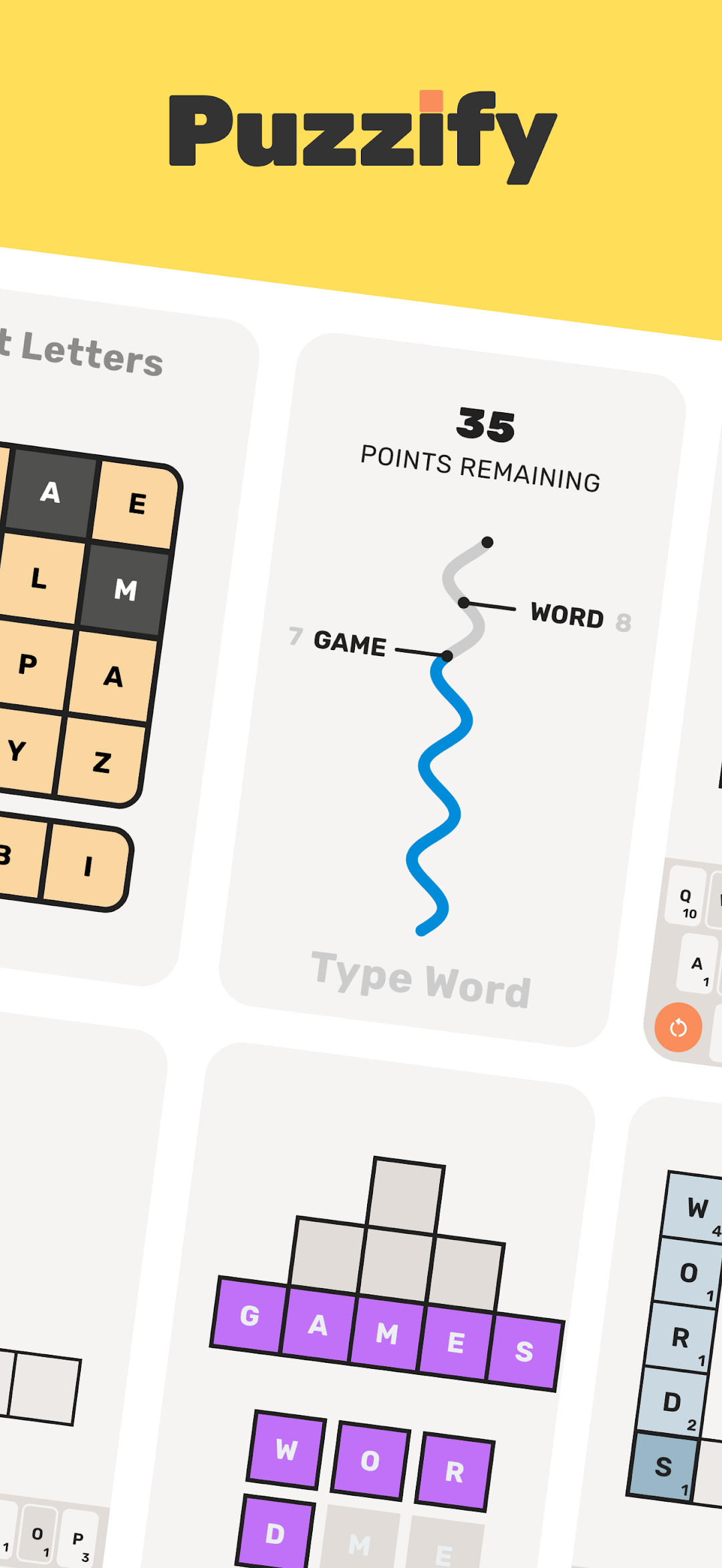
Discover Your New Favourite Word Games!Challenge your mind with fresh puzzles available every day! Puzzify offers a variety of unique and exciting word games to test your skills and keep you coming back for more.
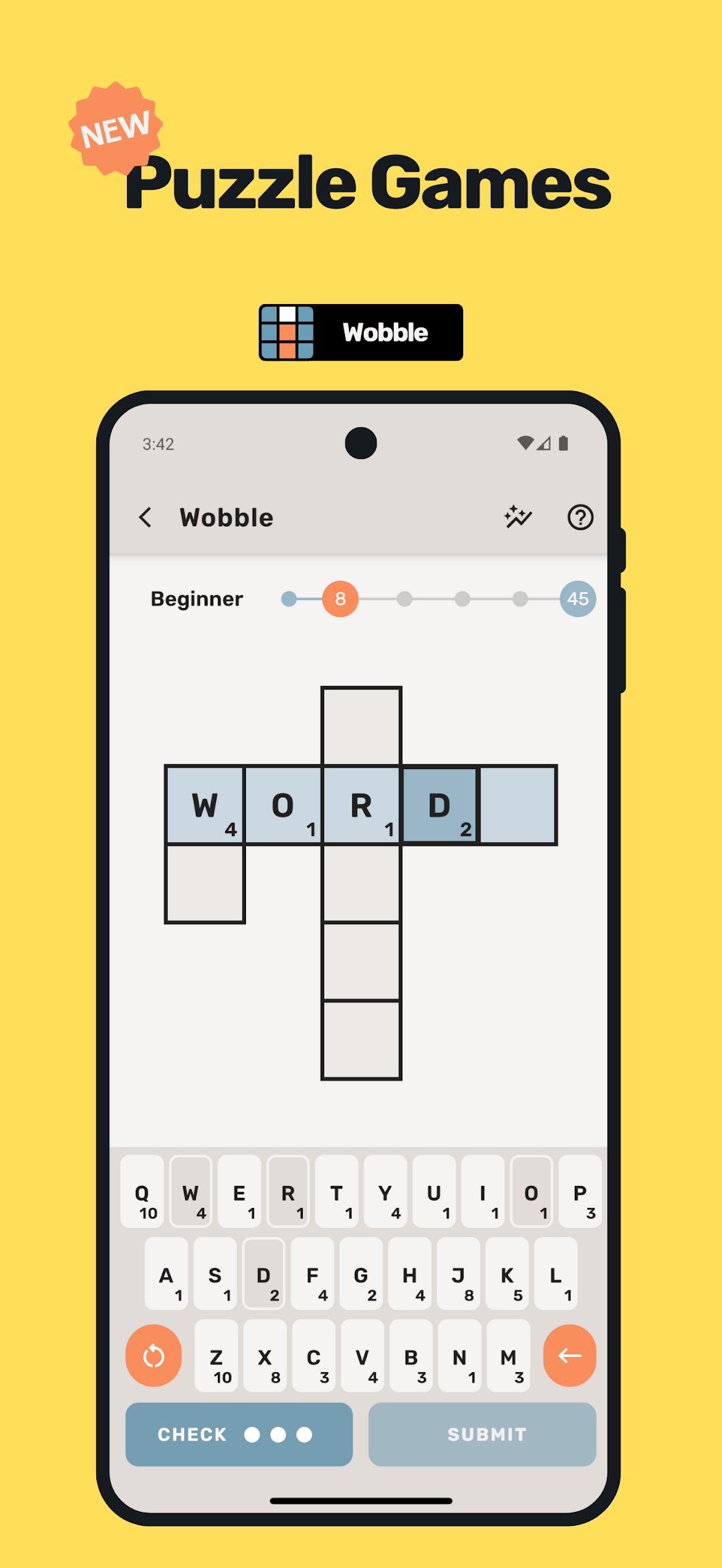
WOBBLE
Solve the puzzle by forming words using the highest-scoring letters. But there's a twist – each letter can only be used once! Use strategy, vocabulary, and word-building skills to maximise your score. Perfect for fans of tile-based word games.
PYRAMID
Uncover hidden words to build your pyramid from the ground up. How fast can you solve it? A satisfying and challenging time-based word puzzle for players who love anagrams, vocabulary games, and spelling challenges.
LATTICE
Clear the entire grid one word at a time. Think ahead, plan carefully, and use each word to open up the next in this strategic word puzzle that blends logic and language skills.
CHECKOUT
Word your way down to zero! Submit words using a limited array of letters to reduce your score, but be careful! End on exactly zero or go bust! CheckOut this clever twist on countdown-style word challenges and mental math.
📅 Play Anytime – With over 1,000 puzzles in the archive, you can solve at your own pace, revisit past challenges, and track your progress over time.
🏆 Compete & Share – Show off your skills! Share your scores with friends and prove you’re the ultimate Puzzify champion.
🔥 Up for a Tougher Challenge? – Activate Hard Mode in Lattice and CheckOut for a next-level brain workout. Do you have what it takes to master them?
🎉 Play Offline! – No internet connection required
Download now and start your Puzzify journey today!