Sound.Me is a Entertainment application developed by Sound.me, but with the best Android emulator-LDPlayer, you can download and play Sound.Me on your computer.
Running Sound.Me on your computer allows you to browse clearly on a large screen, and controlling the application with a mouse and keyboard is much faster than using touchscreen, all while never having to worry about device battery issues.
With multi-instance and synchronization features, you can even run multiple applications and accounts on your PC.
And file sharing makes sharing images, videos, and files incredibly easy.
Download Sound.Me and run it on your PC. Enjoy the large screen and high-definition quality on your PC!
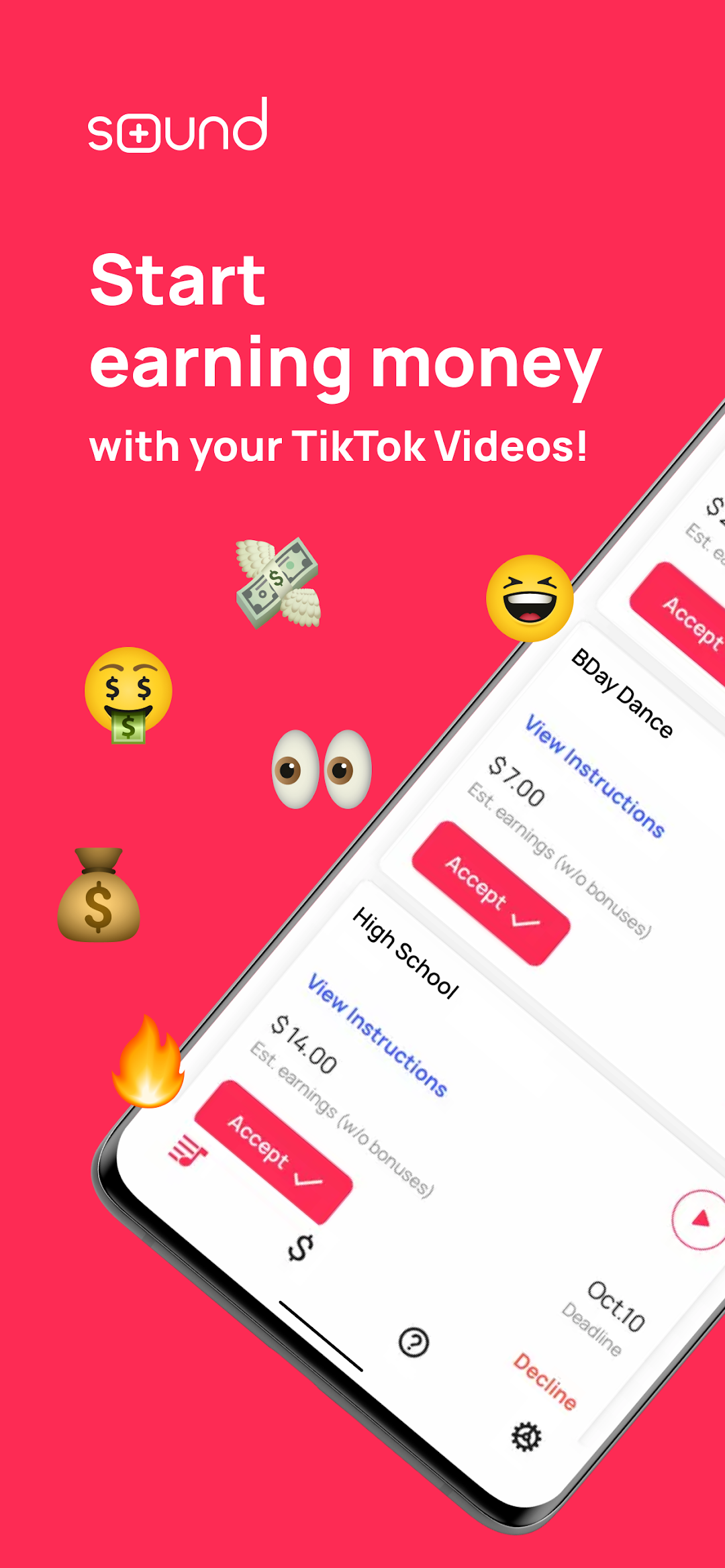
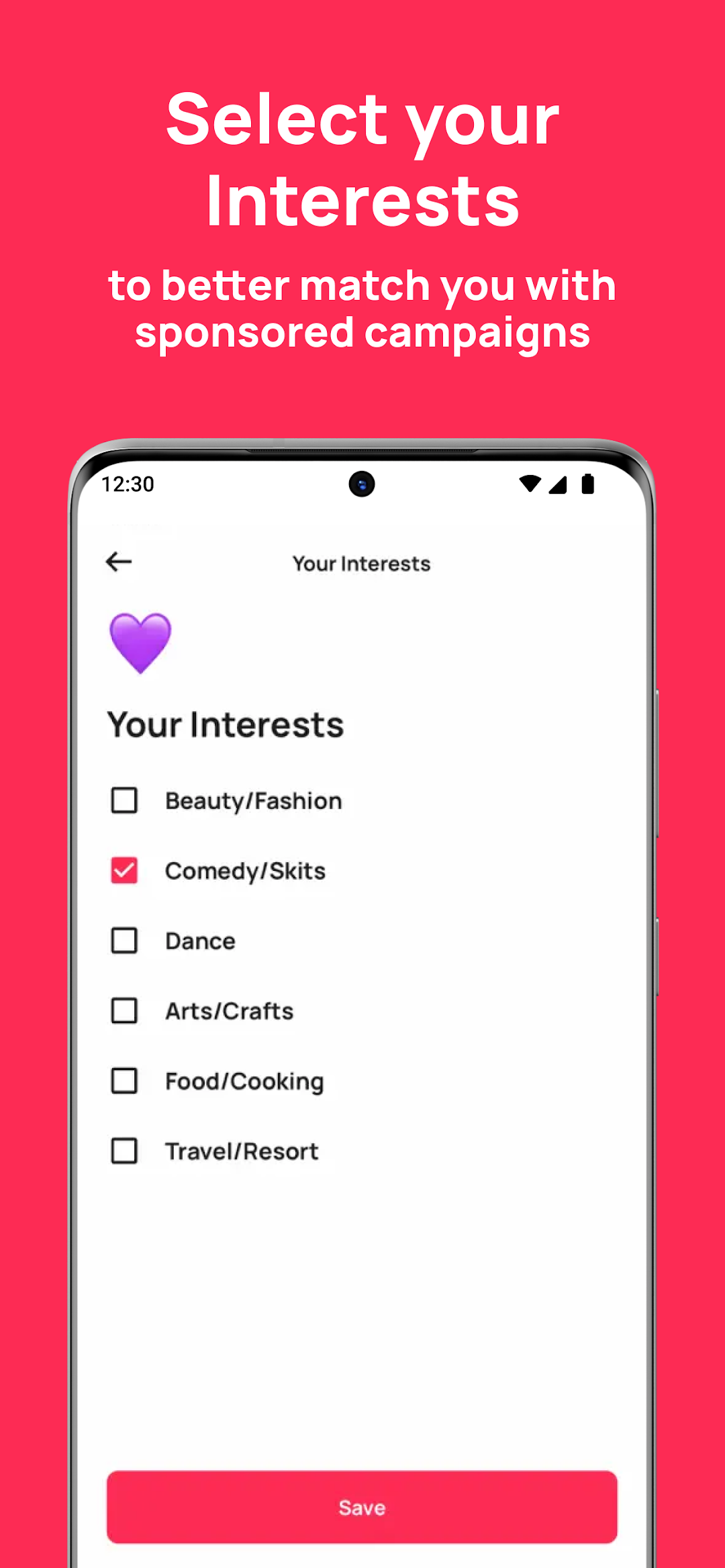
Sound is a digital creator platform where you can earn money by promoting sounds via your TikTok videos. If you’re active on TikTok and create lots of content, this app is for you!Simply signup through the app, update your profile and check for available campaigns in your Inbox. When you’re accepted into a campaign, please follow the unique instructions that the campaign may ask for and use the sponsored sound in your video. You can start earning as soon as you submit your video to the app.
As you do more campaigns, you’ll be able to earn more and cash out your earnings right for them the app. Please check the Help Center in the app for more info.
Try this app today! Campaigns are waiting for you!
Disclaimer: Sound is not endorsed or affiliated with TikTok in any way.