

TLV ToolBox is a Tools application developed by TLV CO., LTD., but with the best Android emulator-LDPlayer, you can download and play TLV ToolBox on your computer.
Running TLV ToolBox on your computer allows you to browse clearly on a large screen, and controlling the application with a mouse and keyboard is much faster than using touchscreen, all while never having to worry about device battery issues.
With multi-instance and synchronization features, you can even run multiple applications and accounts on your PC.
And file sharing makes sharing images, videos, and files incredibly easy.
Download TLV ToolBox and run it on your PC. Enjoy the large screen and high-definition quality on your PC!
Turn your mobile device into a light & portable steam calculation tool with TLV Toolbox.Reduce trips back and forth while working onsite with this valuable tool. Helpful for design or everyday maintenance of control valve stations, condensate recovery systems, and much more!
*************************
FEATURES:
- Steam Tables (saturated and superheated)
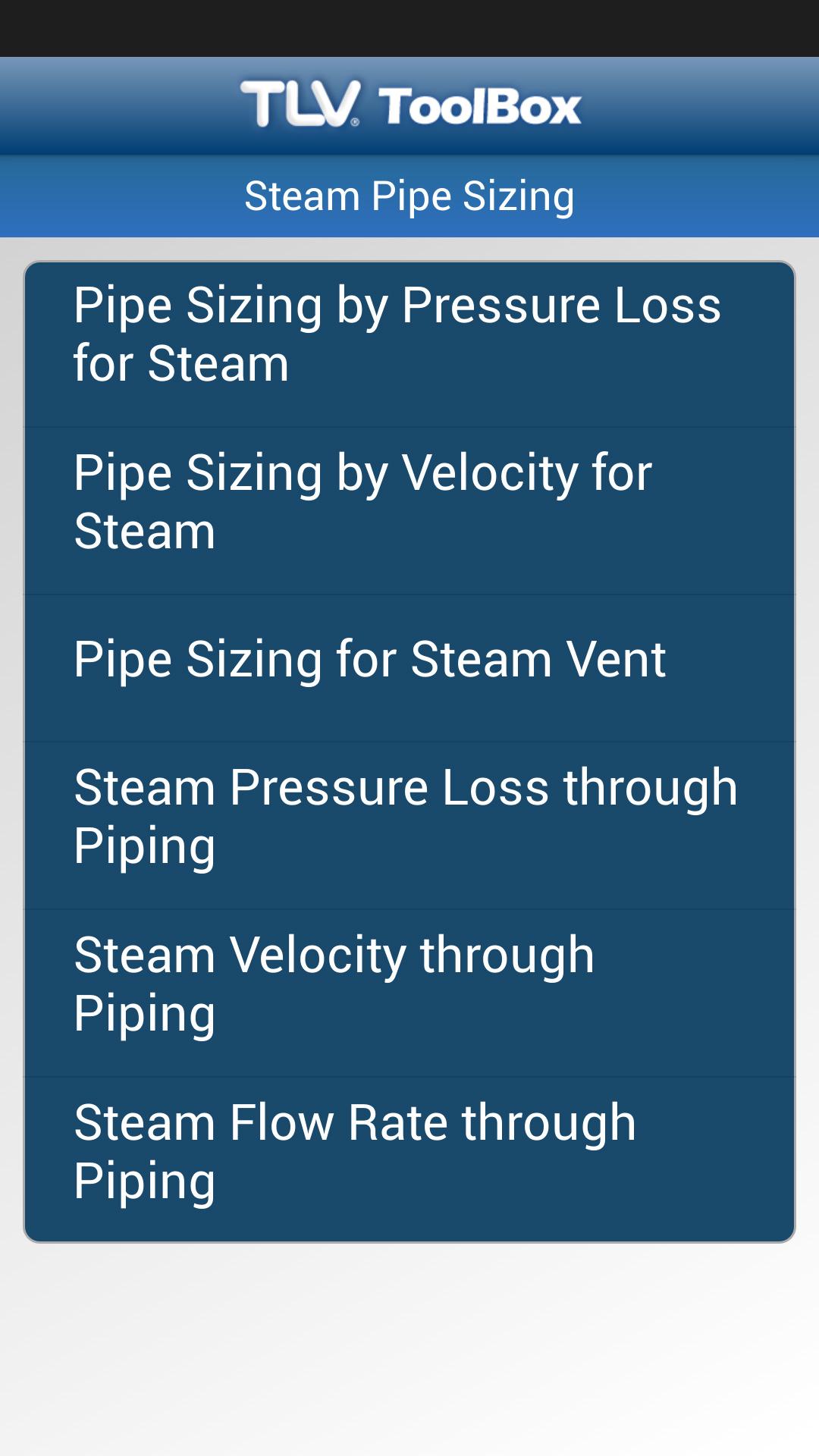
- Steam Pipe Sizing
- Condensate Pipe Sizing
- Heating Calculations
- Cv and Kv Values
- Stall Point
- and more...
*************************
* About Us *
TLV is internationally established, with companies in 13 countries. A network of over 100 distributors in more than 50 countries enables the speedy provision of engineering support throughout the world. TLV plays a leading role in the promotion of efficient energy systems and increased environmental conservation on a worldwide scale through its original products and services.
For further information visit: www.tlv.com
Contact us: https://www.tlv.com/global/US/contact-us/contact-form.html