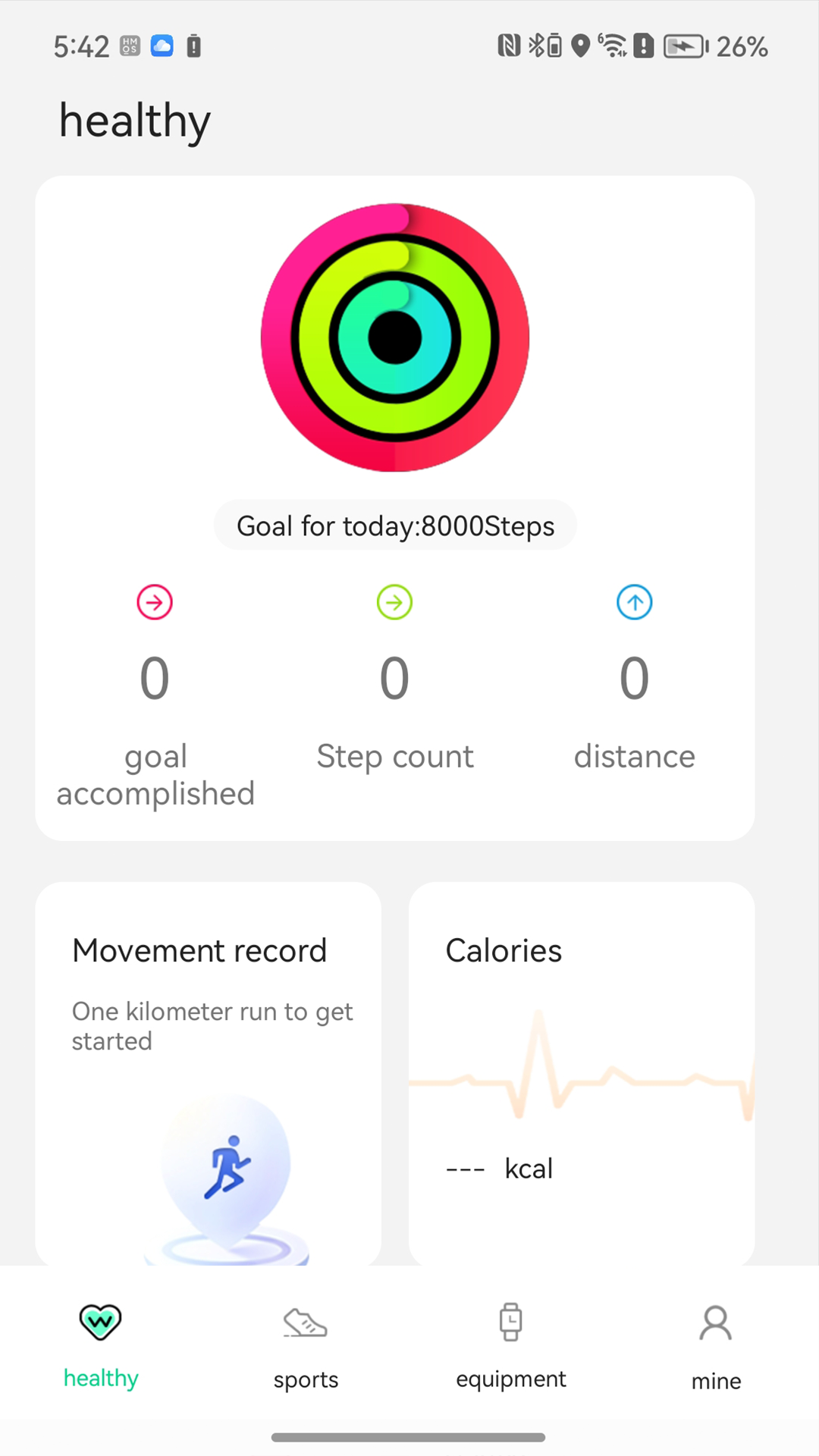
GFit Pro is a Health&Fitness application developed by Gfit, but with the best Android emulator-LDPlayer, you can download and play GFit Pro on your computer.
Running GFit Pro on your computer allows you to browse clearly on a large screen, and controlling the application with a mouse and keyboard is much faster than using touchscreen, all while never having to worry about device battery issues.
With multi-instance and synchronization features, you can even run multiple applications and accounts on your PC.
And file sharing makes sharing images, videos, and files incredibly easy.
Download GFit Pro and run it on your PC. Enjoy the large screen and high-definition quality on your PC!
GFit Pro is a health application that needs to be used with our watch.Key functions include displaying health data and smart device management assistant.
Functions include heart rate, sleep time, step counting, calorie monitoring, alarm clock, sedentary time, incoming call and message reminders, etc. The heart rate, blood oxygen and other detection functions of this application are not suitable for medical use and are only designed for general fitness and health purposes.