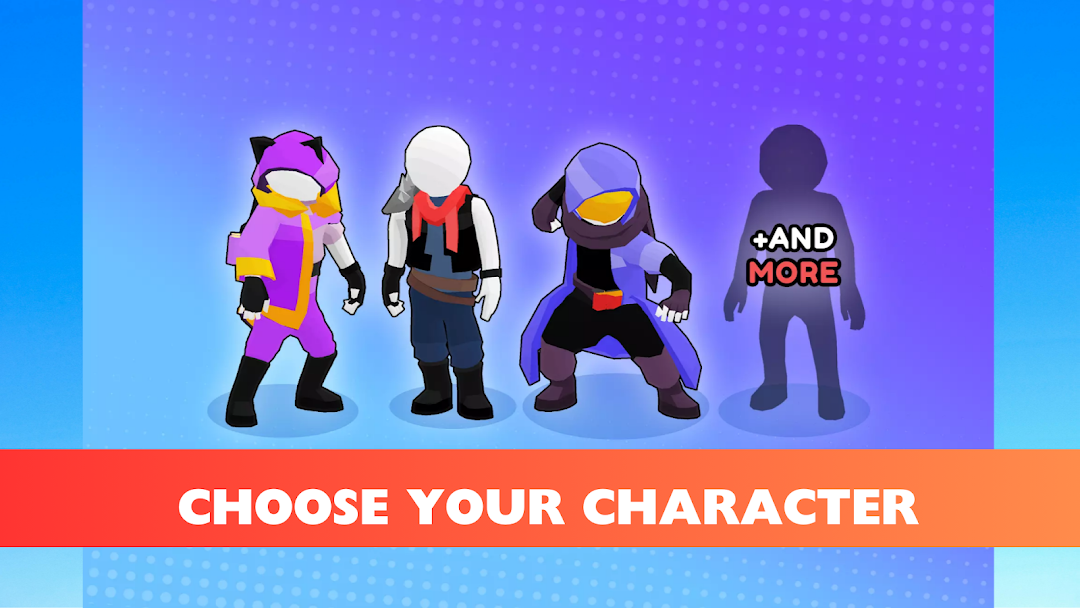
Mission-V is a Role Playing game developed by Rivendells YN, and LDPlayer is the best platform for playing Mission-V on Windows PC, offering powerful features for an immersive experience.
When playing Mission-V on PC, as a new player looking to start with a fresh account, the multi-instance and sync features are extremely useful for rerolls. You can use them to run multiple instances and begin the synchronization process. Bind your account until you draw the desired heroes.
In addition, operation recorder is great for games that require you to level up and complete tasks! Run the sync and record your actions, then repeat the main instance's actions in real-time. By doing so, you can run 2 or more accounts simultaneously. You can always get the heroes you want before others by faster rerolls and more efficient summoning! Start downloading and playing Mission-V on your computer now!
🔥 Dive into the adrenaline-pumping world of Mission-V! 🔫Prepare for non-stop shooting action in this heart-racing game where strategy meets firepower. Equip yourself with an arsenal of powerful weapons, navigate through stunningly designed battlegrounds, and take on fierce opponents in epic shootouts. Whether you're outmaneuvering enemies or unleashing a storm of bullets, every moment is packed with excitement and intensity!
🌟 Features:
Epic Gunplay: Choose from a variety of weapons, each with unique abilities and upgrades.
Dynamic Combat: Engage in fast-paced battles with challenging AI.
Stunning Environments: Explore beautifully crafted maps that bring every fight to life.
Customizable Gear: Personalize your weapons and gear to fit your style and strategy.
Exciting Missions: Complete diverse objectives and missions that keep the action fresh and thrilling.
Get ready to experience the ultimate shooting challenge. Download [Your Game Name] now and show off your skills in the heat of battle. Are you ready to become the champion?