

Football Legend: Be a Pro is a Role Playing game developed by Aladdin Game, and LDPlayer is the best platform for playing Football Legend: Be a Pro on Windows PC, offering powerful features for an immersive experience.
When playing Football Legend: Be a Pro on PC, as a new player looking to start with a fresh account, the multi-instance and sync features are extremely useful for rerolls. You can use them to run multiple instances and begin the synchronization process. Bind your account until you draw the desired heroes.
In addition, operation recorder is great for games that require you to level up and complete tasks! Run the sync and record your actions, then repeat the main instance's actions in real-time. By doing so, you can run 2 or more accounts simultaneously. You can always get the heroes you want before others by faster rerolls and more efficient summoning! Start downloading and playing Football Legend: Be a Pro on your computer now!
《Football Legend: Be a Pro》 is an exciting competitive football simulator officially licensed by FIFPro, the RPL, and other leading football organizations.
— LICENSES AND FULL REALISM
• Full RPL exclusive! Play as 16 real Russian Premier League clubs in the new 25/26 season — featuring authentic kits and emblems recreated with maximum accuracy.
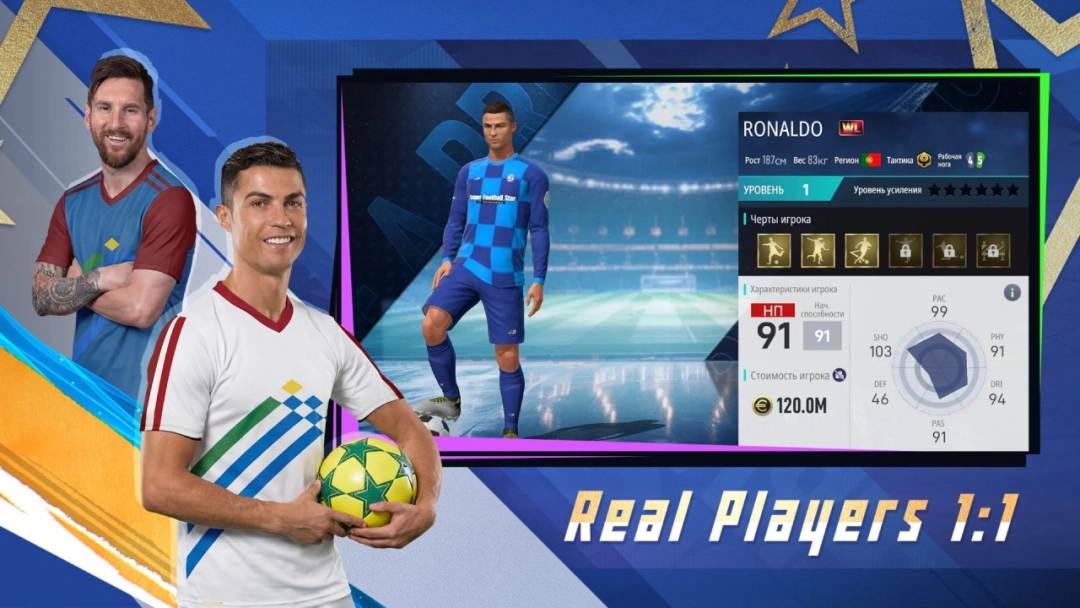
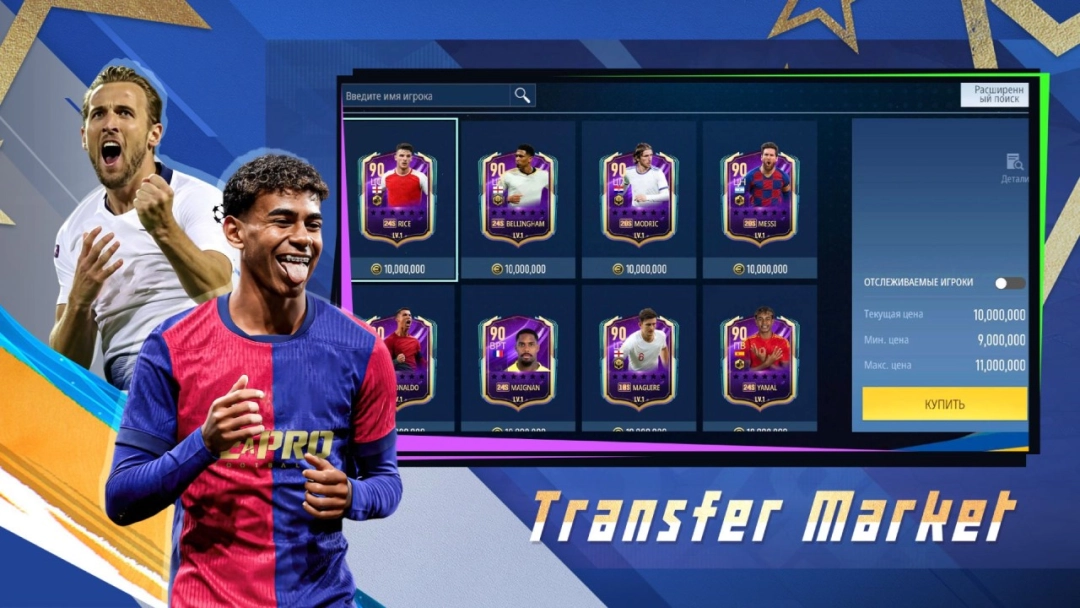
• A massive database of 1,779 players from Europe's top leagues + 360 RPL stars from the new season!
• Football legends in the roster: Ronaldinho, Rivaldo, Cafu, Van Persie, Giggs, Scholes, Pirlo, and more!
• Official licenses: FIFPro, Russian Premier League, Manchester City, Eintracht Frankfurt, Bayer 04 Leverkusen, Ajax, AS Monaco, and other clubs.
newalddin.com
— NEXT-GEN TECHNOLOGIES
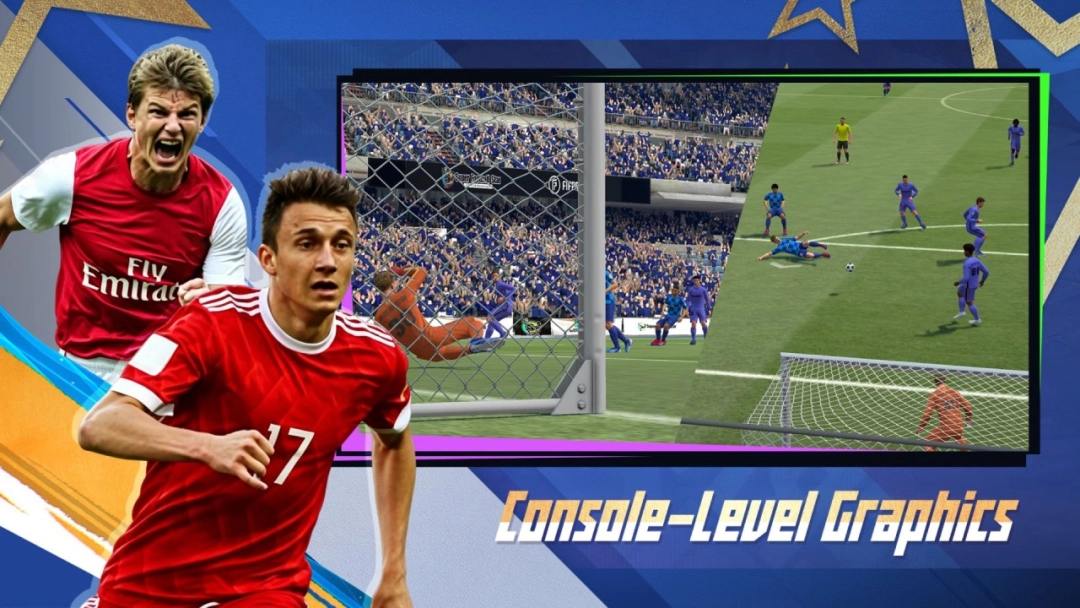
• HyperMotion Animation: Experience realistic player movements, ball physics, and dynamic kit behavior powered by motion capture and AI algorithms.
• Tactics System: 40+ preset formations and full customization to fit your playstyle!
• PvP Mode: Compete online against players from all over the world.
newalddin.com
— EXCLUSIVE MODES AND CONTENT
• Manager Ranked Match:** Build your tactical system, develop your players, and climb to the top leagues!
• RPL Champions Cup:** A tournament featuring real Russian clubs — pick your team and win the final!
• Russian Commentary:** Voiced by Dmitry Shnyakin for total immersion in RPL matches!
• Exclusive Goal Celebrations:** Signature moves from Dzyuba, Glushenkov, Ronaldo, Messi, Mbappe, Haaland, and other top stars.
• Local Match Support:** Compete with friends even without an internet connection.